Overview
Redline is the changelog for everything I build. Every release of every project sits in one register, newest first, with what was added, changed, fixed and removed. Each project has its own page and its own Atom feed, and a small admin is where I write them. It is built with Next.js, React, TailwindCSS and Motion, with the data in PostgreSQL on Neon.
The first version was Quillify, a blog with categories, an email box to subscribe and an admin panel to write posts. BlogSpace is a blog too, and two was one too many, so the rebuild turned it into the place that keeps track of the rest. The notes here say what each project is; Redline says what changed and when.
Live: redline.ashwin.co.in
Source code: Explore Repo
Goals & Problems Solved
- One Place for Changes: Every rebuild, rename and fix across my projects, dated and in order.
- Read It Your Way: All projects or one, and only the kind of change you care about.
- Follow Without an Account: An Atom feed for everything and one per project, no email list.
- Quick to Write: A draft from the project’s commits, so a release takes minutes to note down.
- Nothing Jumps: No layout shift on load or while you use it.
Architecture & Tech Stack
| Layer | Technology / Library | Purpose |
|---|---|---|
| Framework | Next.js 16, React 19 | Prerendered pages and feeds, the admin and its server actions |
| Style / Motion | TailwindCSS 4, Motion 13, View Transitions | The sheet, sheets and toasts, and morphs between pages |
| Data | PostgreSQL on Neon | Projects and releases, each release’s changes as JSONB |
| Auth | JWT with jose, bcryptjs | One admin login in a signed cookie |
| Drafts | GitHub API | Commits since the last release, turned into a draft |
| Notes | marked | Markdown notes on a release |
| Hosting | Vercel | Static pages rebuilt when a release is published |
Key Features & UX Flow
-
The Register
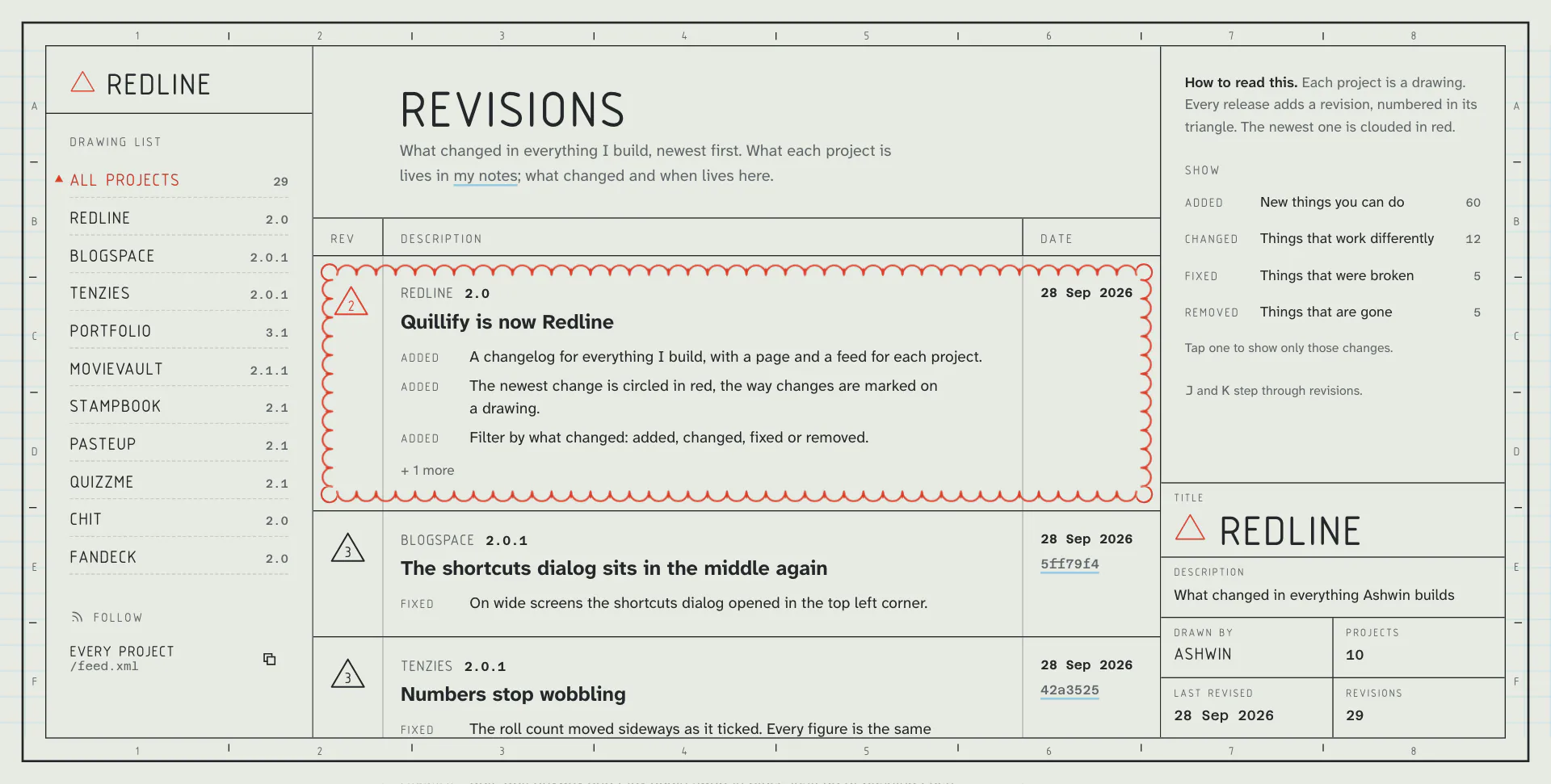
- Every release of every project, newest first. Each one is a revision: a number in a triangle, a version, a date, a title and its changes.
- The newest revision is circled in a red cloud that draws itself in when the page opens.
-
Show Only
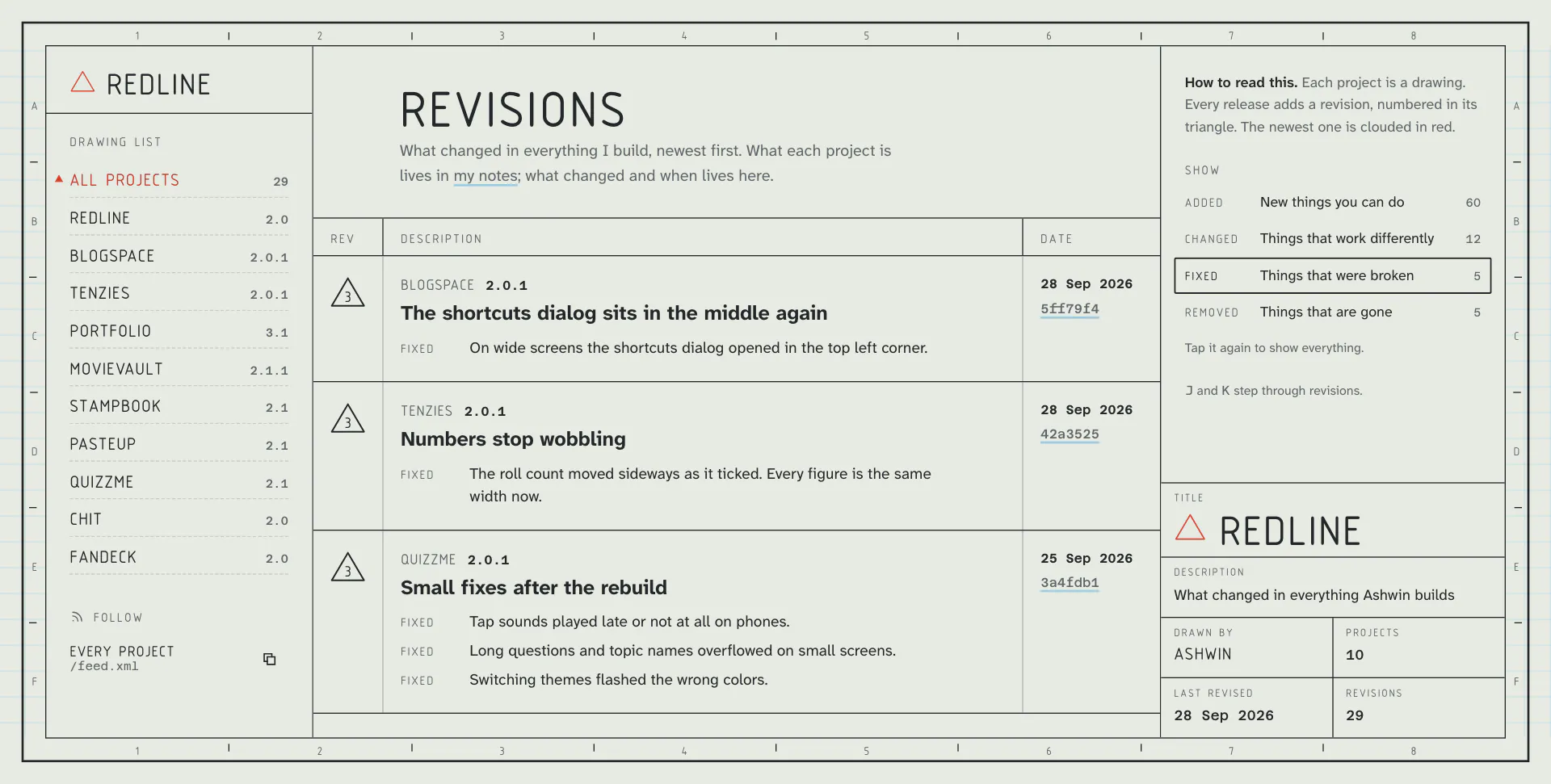
- Tap Added, Changed, Fixed or Removed to see only those changes, across everything or one project. The counts show how many of each there are.
-
Drawings and Revisions
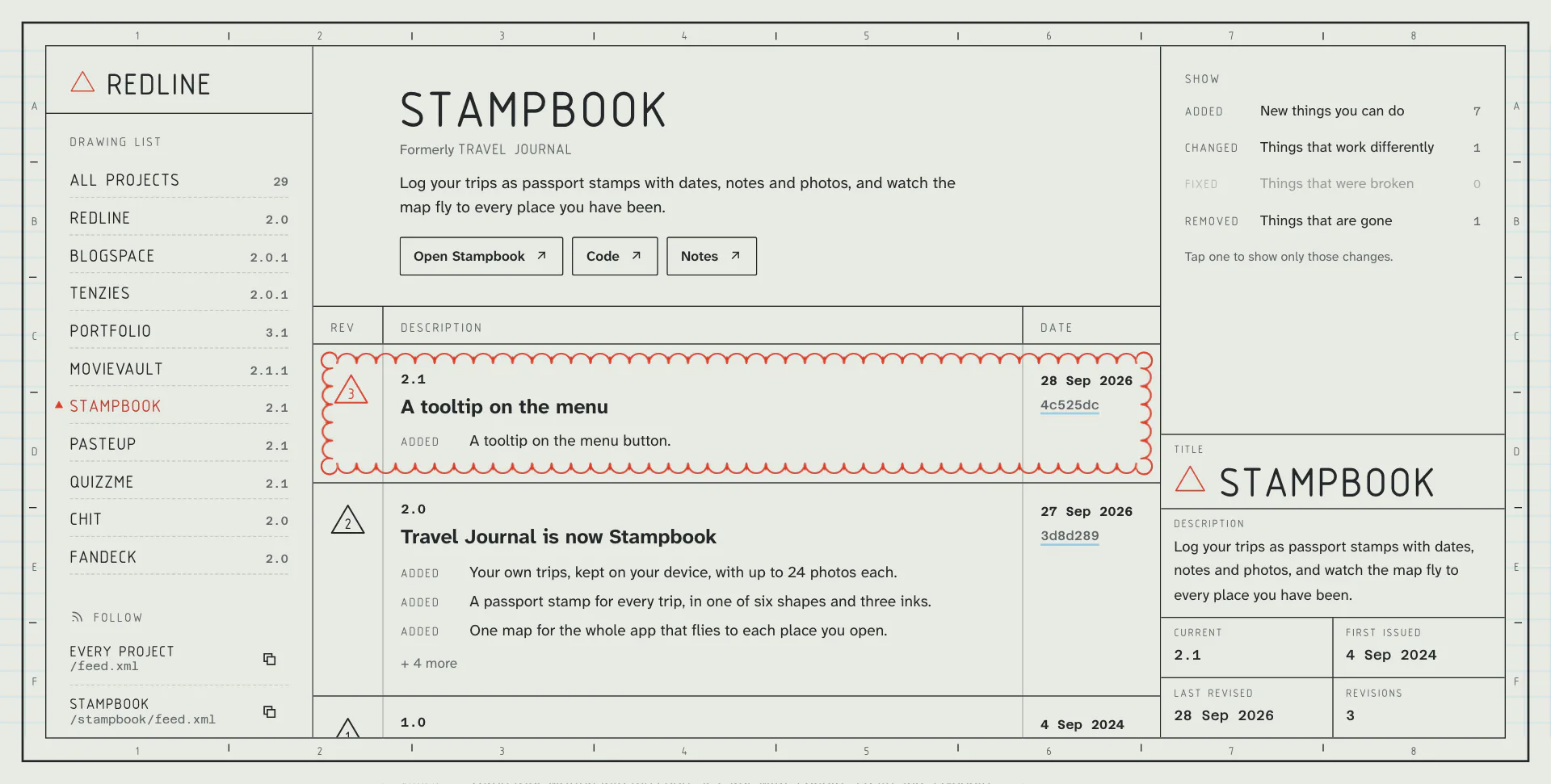
- Each project has a page with what it is, links to the live site, the code and its note here, and its whole history.
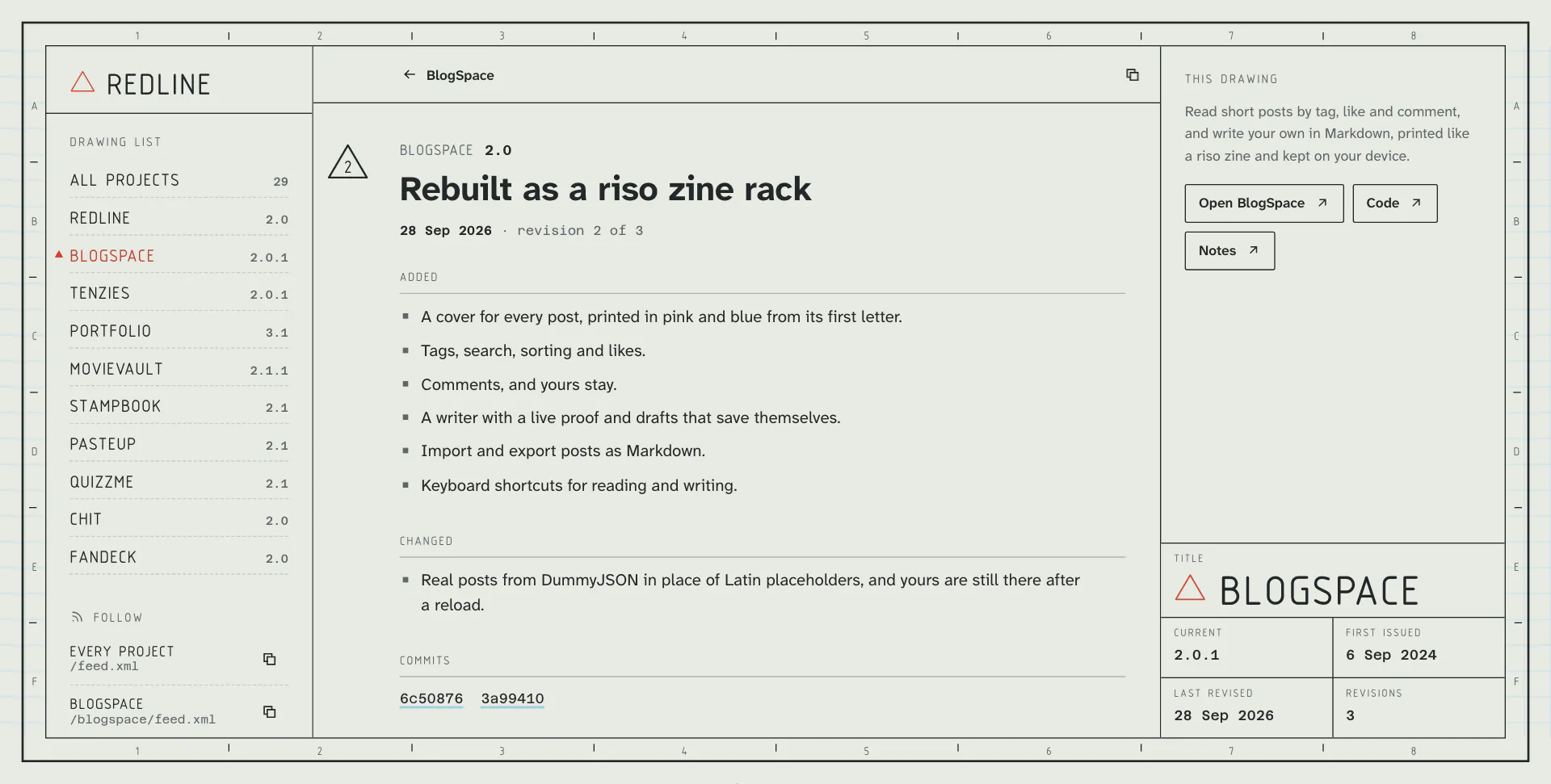
- Each revision has its own page with its changes grouped, its notes and its commits, and older and newer links.
JandKstep through,Escgoes back up.
-
Follow
/feed.xmlfor everything and/<project>/feed.xmlfor one, with copy buttons for a feed reader.
-
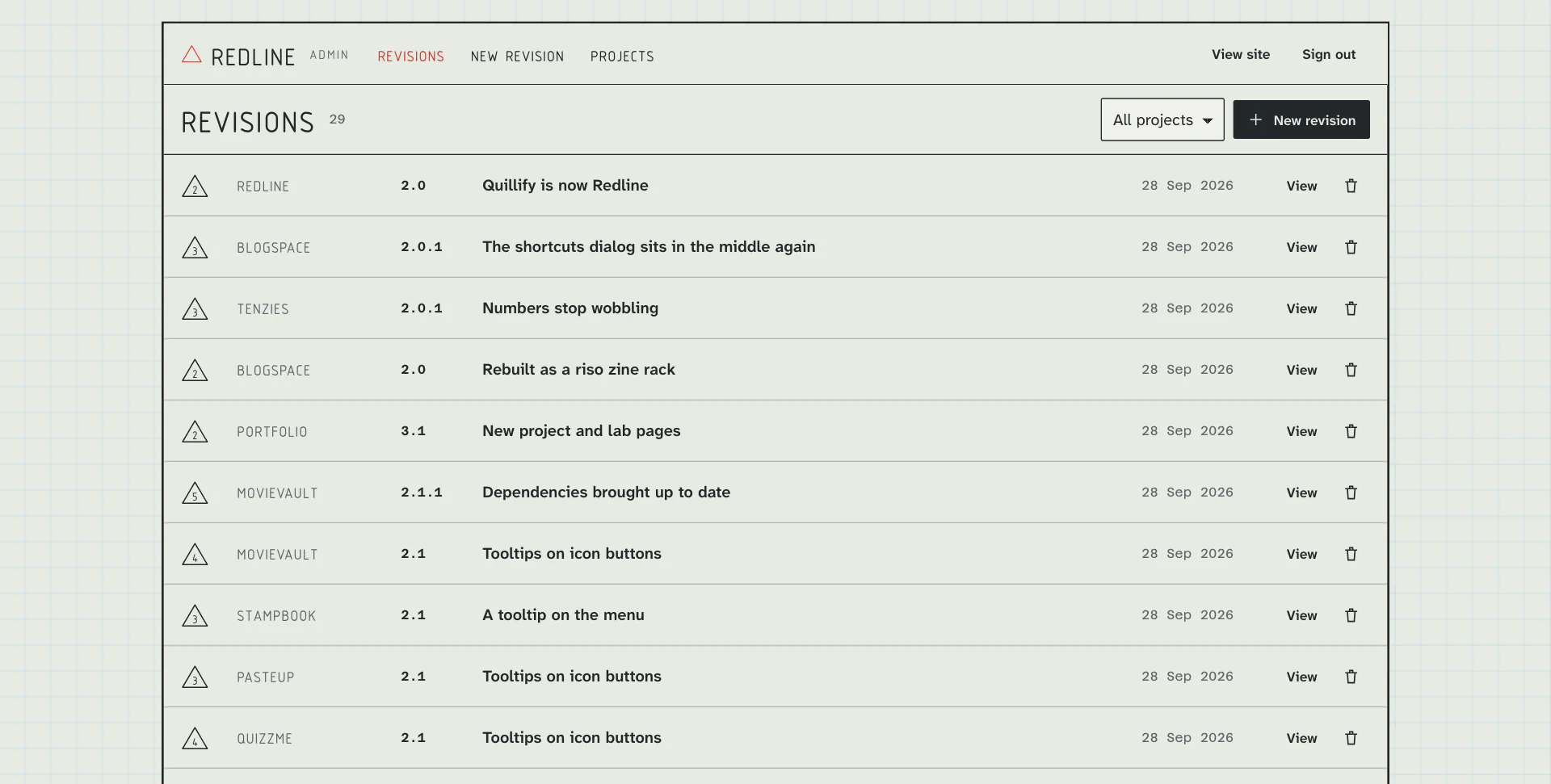
The Admin
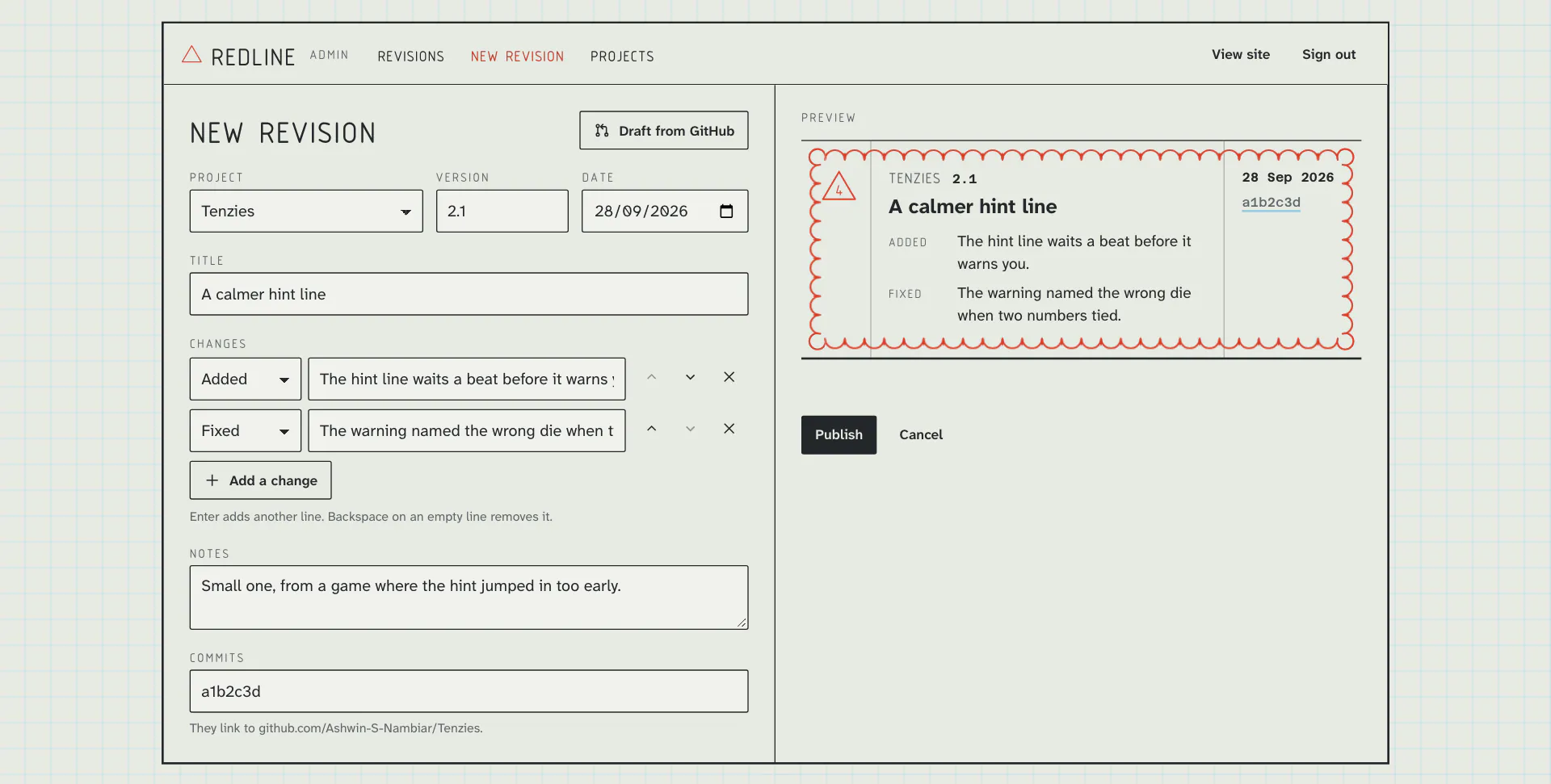
- Sign in, pick a project and draft from GitHub: the commits since the last release, sorted by their
featandfixprefixes, with the next version suggested. - Rewrite them for people, watch the live preview of the row, and publish. The site updates straight away. Delete has undo.
- Sign in, pick a project and draft from GitHub: the commits since the last release, sorted by their
Code Walkthrough & Notable Modules
- app/(site)/: the register, project pages, revision pages and their feeds.
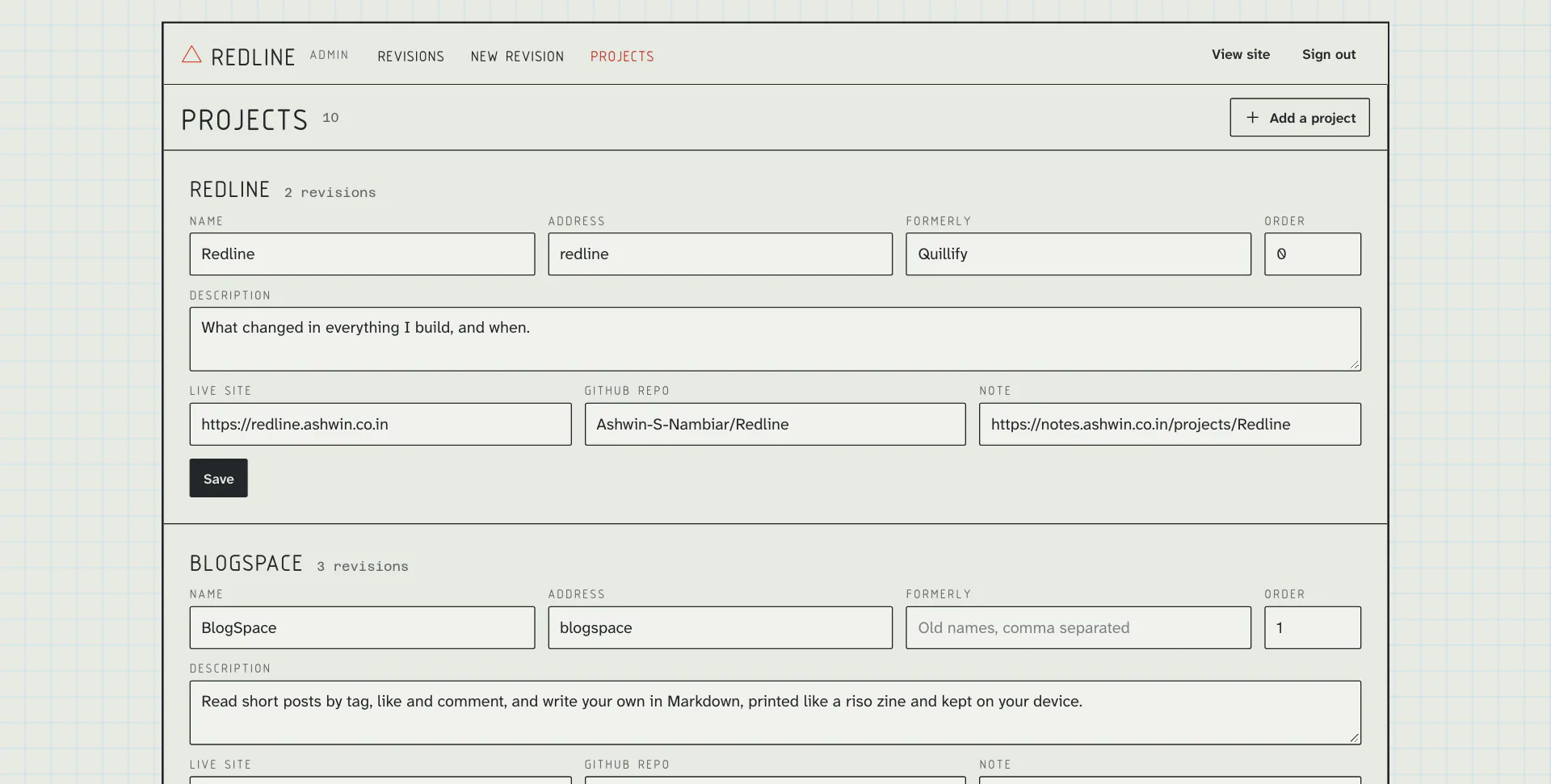
- app/admin/: sign in, the list, the editor and projects, and
actions.jswith every write, each one checking the session. - components/: • Frame.jsx, Rail.jsx, TitleBlock.jsx: the sheet with its zone numbers, the drawing list and the title block. • Revision.jsx: one row, used by the register and the admin preview. • Legend.jsx, MobileHead.jsx, Sheet.jsx: the filter, the phone header and the pull-up sheet.
- lib/: • data.js: reads projects and releases in two queries and numbers each project’s revisions. • feed.js: Atom. • session.js: the signed admin cookie.
- scripts/: the schema, the seed of every release so far, and the admin login.
UI / Responsiveness & Design Decisions
- An Engineering Drawing: That’s where changes get marked. Drafting film with a pale blue grid, a frame with zone numbers, a drawing list, a register and a title block in the corner.
- Redlining: Changes on a drawing are circled in red pencil and tagged with a numbered triangle. That red is the only colour.
- The Cloud in CSS: A scalloped SVG as a border image, and a conic mask that sweeps round once. No JavaScript, so it’s there in the first painted frame and fits any row.
- Typography: Osifont, the lettering of technical drawings, for names and labels. Atkinson Hyperlegible Next for reading, Azeret Mono for versions, dates and commits.
- No Dark Mode: Drawings are on film.
- Every Screen: The full sheet on desktop; on tablets the side folds into a strip; on phones the frame goes and the drawing list moves into a sheet.
- Nothing Jumps: Fonts are self-hosted with metric-matched fallbacks, and layout shift measures 0 on load and while you use it.
Challenges & Learnings
- Repurposing a blog into something that doesn’t overlap another project, while keeping its admin and login.
- Moving from MongoDB to PostgreSQL mid-rebuild: releases have fixed fields, and a free database that pauses after a month idle is a bad fit for a site that is only written to now and then.
- A cloud that follows any row without measuring it in JavaScript: border images need an SVG with a real width and height, or the slices land in the wrong place.
- React 19 resets a form after its action runs, which wiped the email after a wrong password until the field was made controlled.
- Keeping the footer at the bottom of short pages without making long ones scroll twice.
Future Improvements
- A Badge: A small version badge any project can show, linking back to its page here.
- Links Both Ways: Each release pointing to the matching section of its note.
Screens & Visuals
Home
Only Fixes
A Drawing
A Revision
The Admin
Writing a Revision
Projects
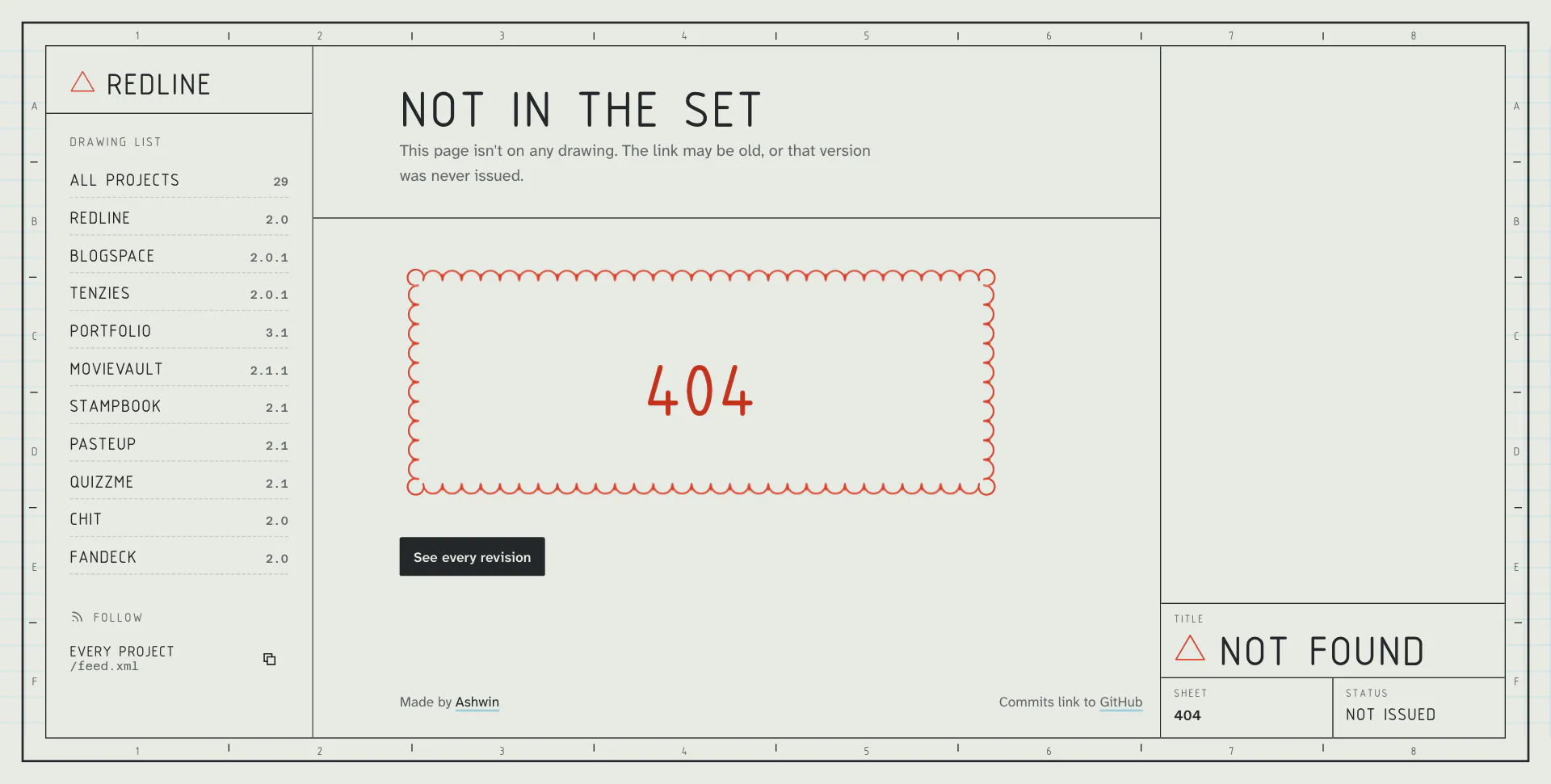
404