Overview
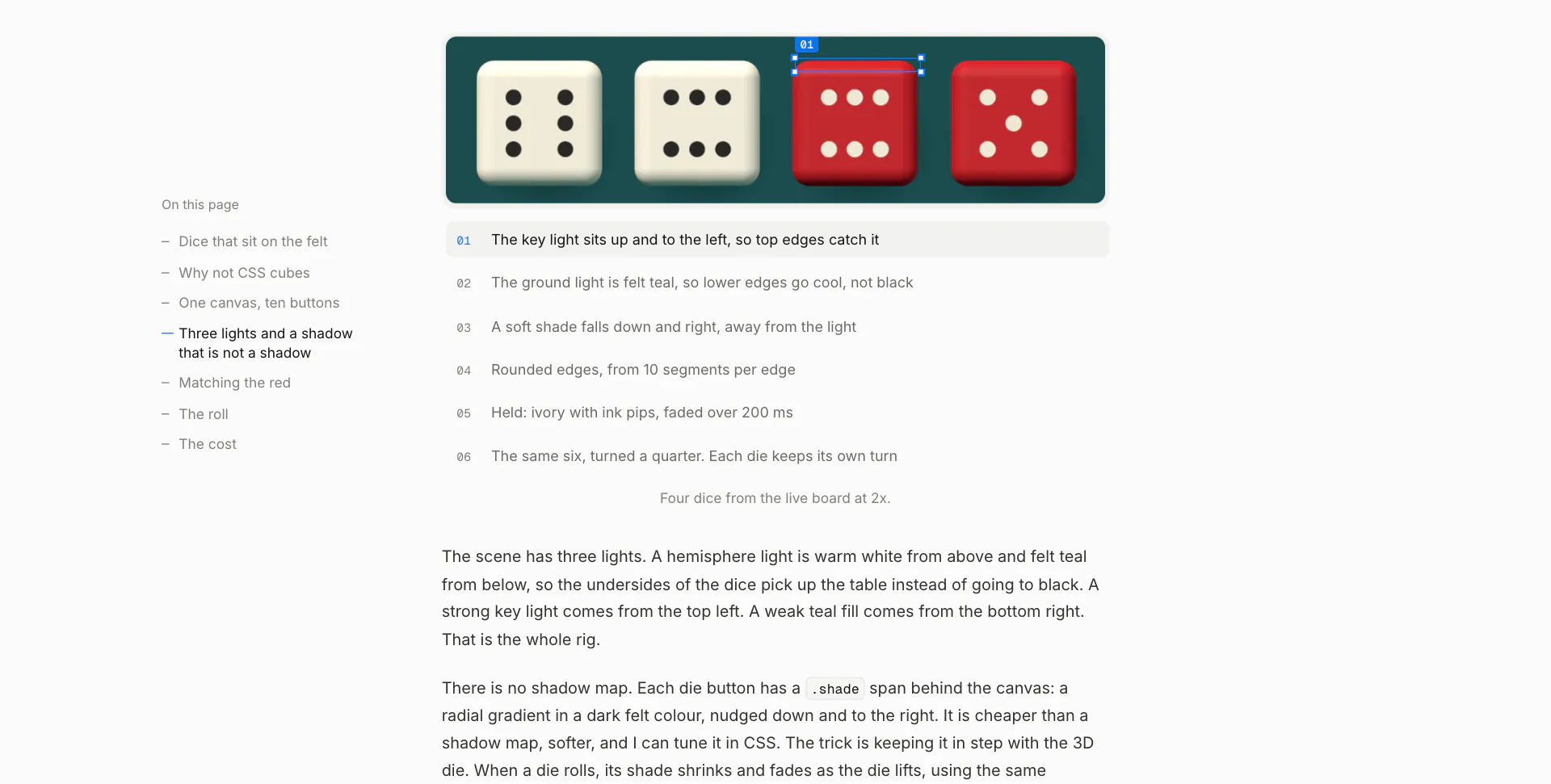
Inspect is where I write up the things I build: why a project changed, what went wrong on the way, and the small details its project page leaves out. Screenshots stay clean until you point at a note, and then that part gets a blue selection box with handles and its size, the way a browser’s inspector marks an element. Clips get a timeline, and the box follows what it points at frame by frame. It is built with Astro and MDX, in TypeScript and CSS.
It began as BlogSpace, an exercise from my time with Scrimba: a feed of placeholder posts with a box to write your own. None of that writing was mine, and I had things to say about my projects, so the rebuild made it a blog of my own. The notes here hold the specs, Redline holds the release history, and Inspect tells the story. The first post is how it was built.
Live: inspect.ashwin.co.in
Source code: Explore Repo
Goals & Problems Solved
- Real Writing: Posts about my own projects instead of placeholder text, one per project or lab, with the dead ends left in.
- Figures That Explain: Notes that point at the exact part of a screenshot or a clip, instead of arrows drawn over it.
- The Real Thing Where It Helps: Some figures are live demos ported into the page, so you can break the idea yourself.
- A Quiet Frame: One column, neutral colours and one blue for everything that points, so the projects’ own looks stand out.
- Nothing Jumps: Layout shift measures 0 on load and while you use the figures.
Architecture & Tech Stack
| Layer | Technology / Library | Purpose |
|---|---|---|
| Site | Astro 7, fully static | Pages, layouts, components and the build |
| Content | MDX, content collections | One folder per post with its media beside it, typed front matter |
| Script | TypeScript | Figures, clips, tooltips and scroll keeping |
| Style | CSS | Tokens, figures, the post column and dark mode |
| Images | astro:assets | AVIF and WebP at three widths, sized before they load |
| Motion | Cross-document view transitions, the Web Animations API | The title glide between pages, figure states |
| Feeds | @astrojs/rss, @astrojs/sitemap | An RSS feed of every post and a sitemap |
| Type | Inter, Newsreader italic, Geist Mono | Self-hosted with the Astro fonts API and generated fallbacks |
| Hosting | Vercel | Static files, redirects from old post URLs |
Key Features & UX Flow
-
The List
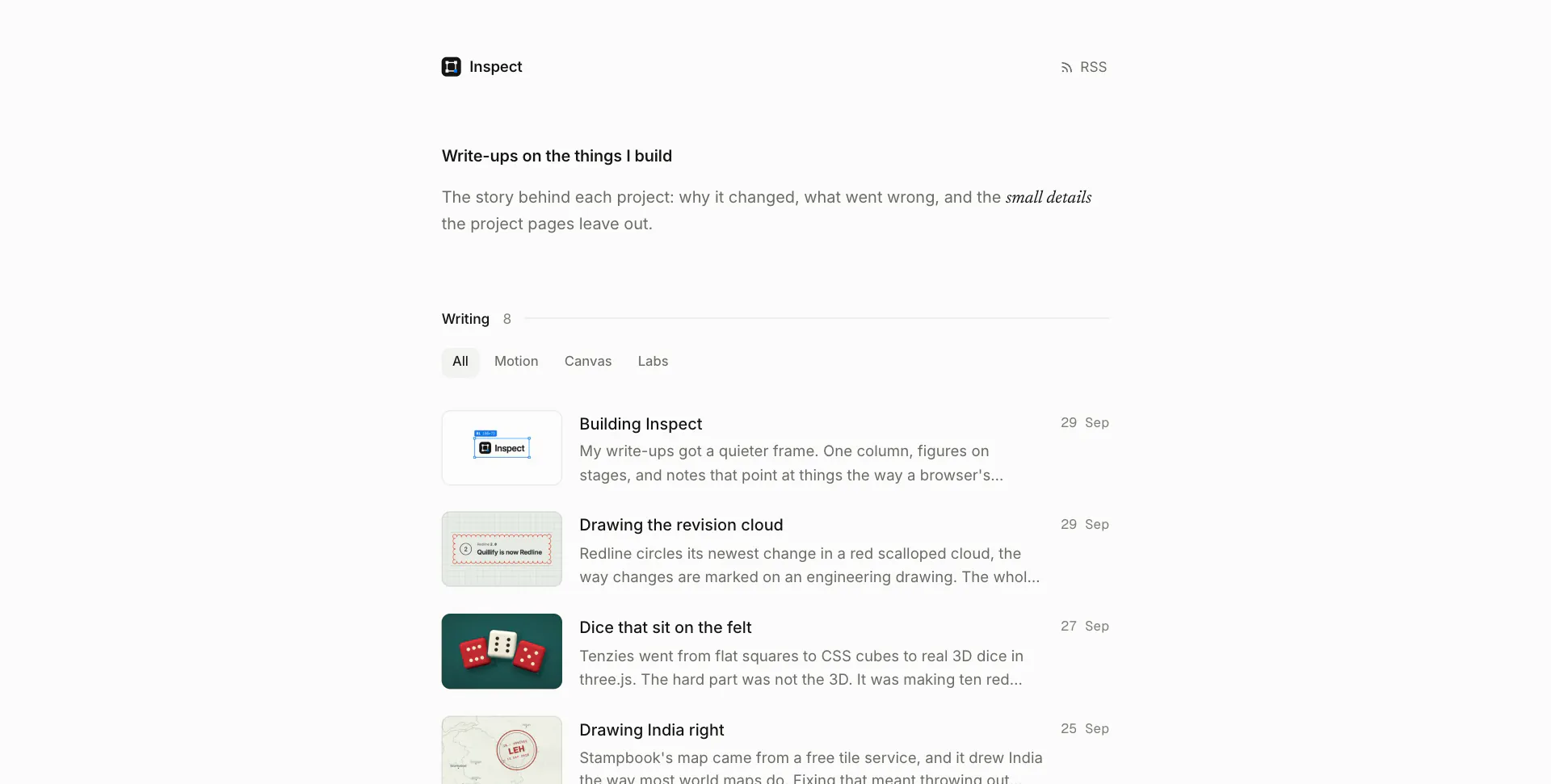
- Every post with a small thumbnail, its title, a line about it and the date, newest first.
- Filters for motion, canvas and labs, and a page for every tag.
-
Reading
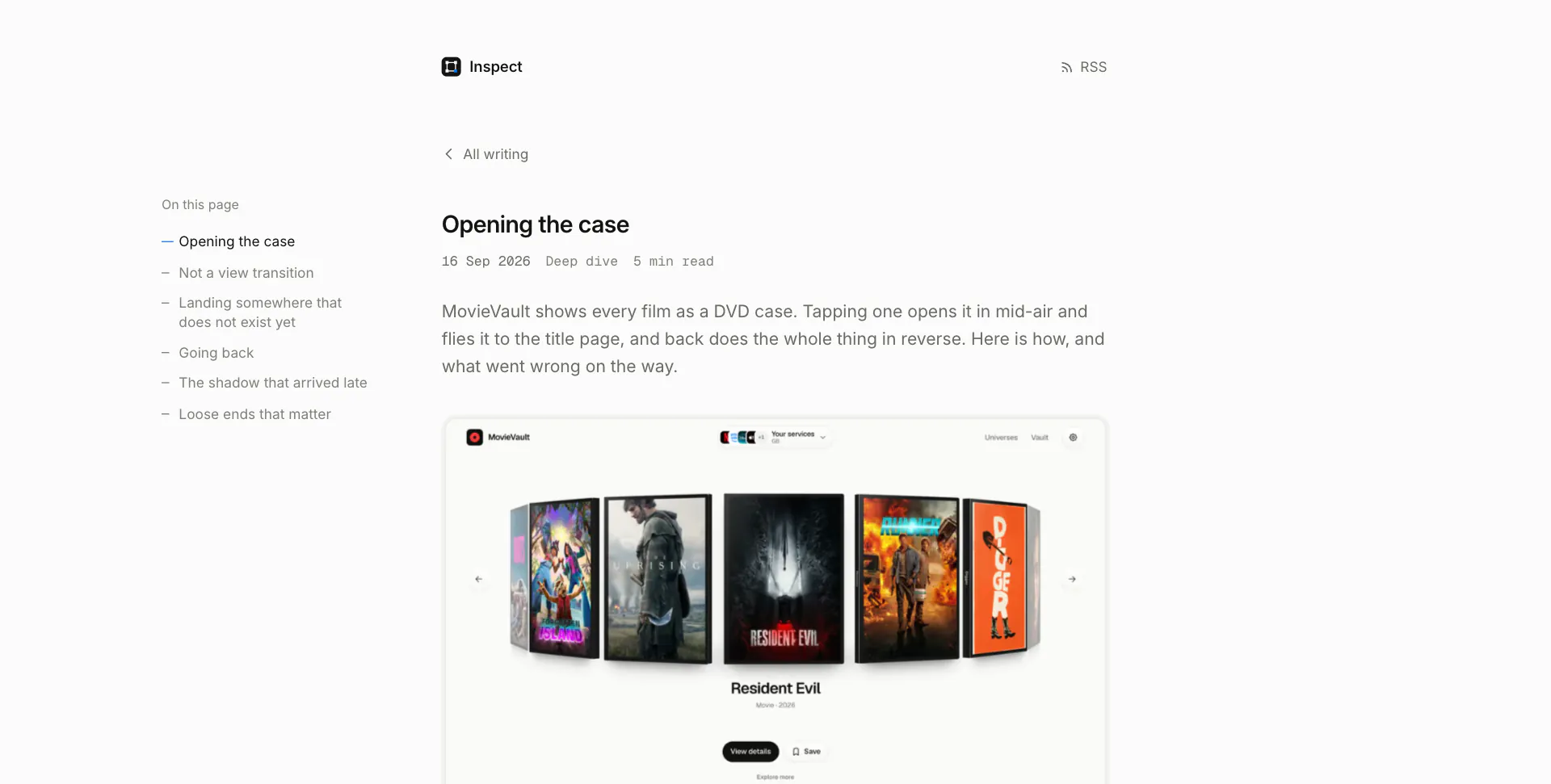
- The title glides from its row into the post, and back again when you leave. Going back lands you on the row you left.
- A contents rail on wide screens, the date, the kind of post and the read time, a hero clip or still, and the project it is about with its stack and links.
-
Notes That Point
- Point at a note under a screenshot and that part gets a selection box, or a numbered badge for a single spot. On a phone you tap a note and it stays.
- Clips have a timeline with the noted stretches marked, and notes that highlight as the clip reaches them.
-
Figures
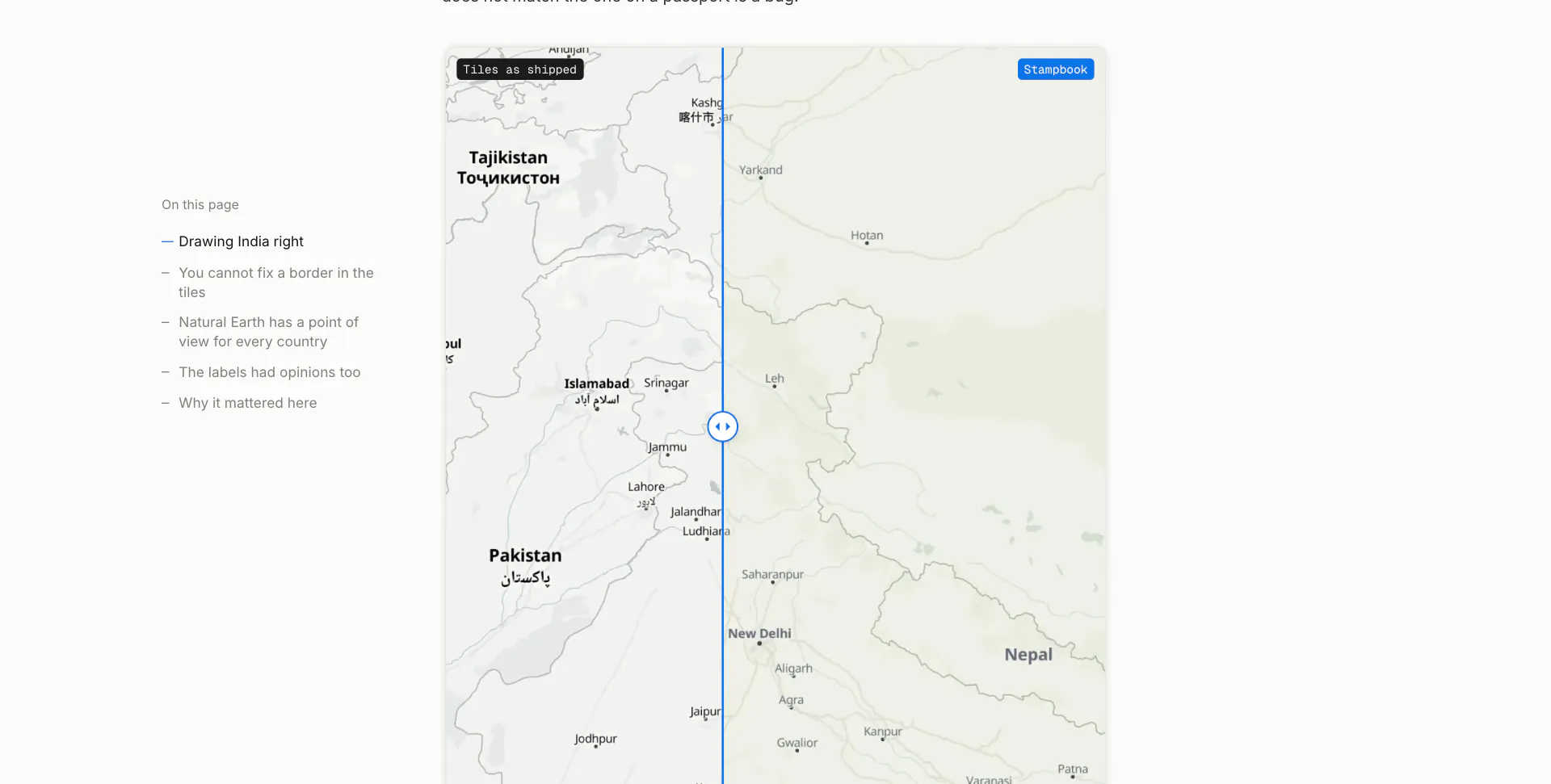
- Before and after: drag across two screenshots to compare them.
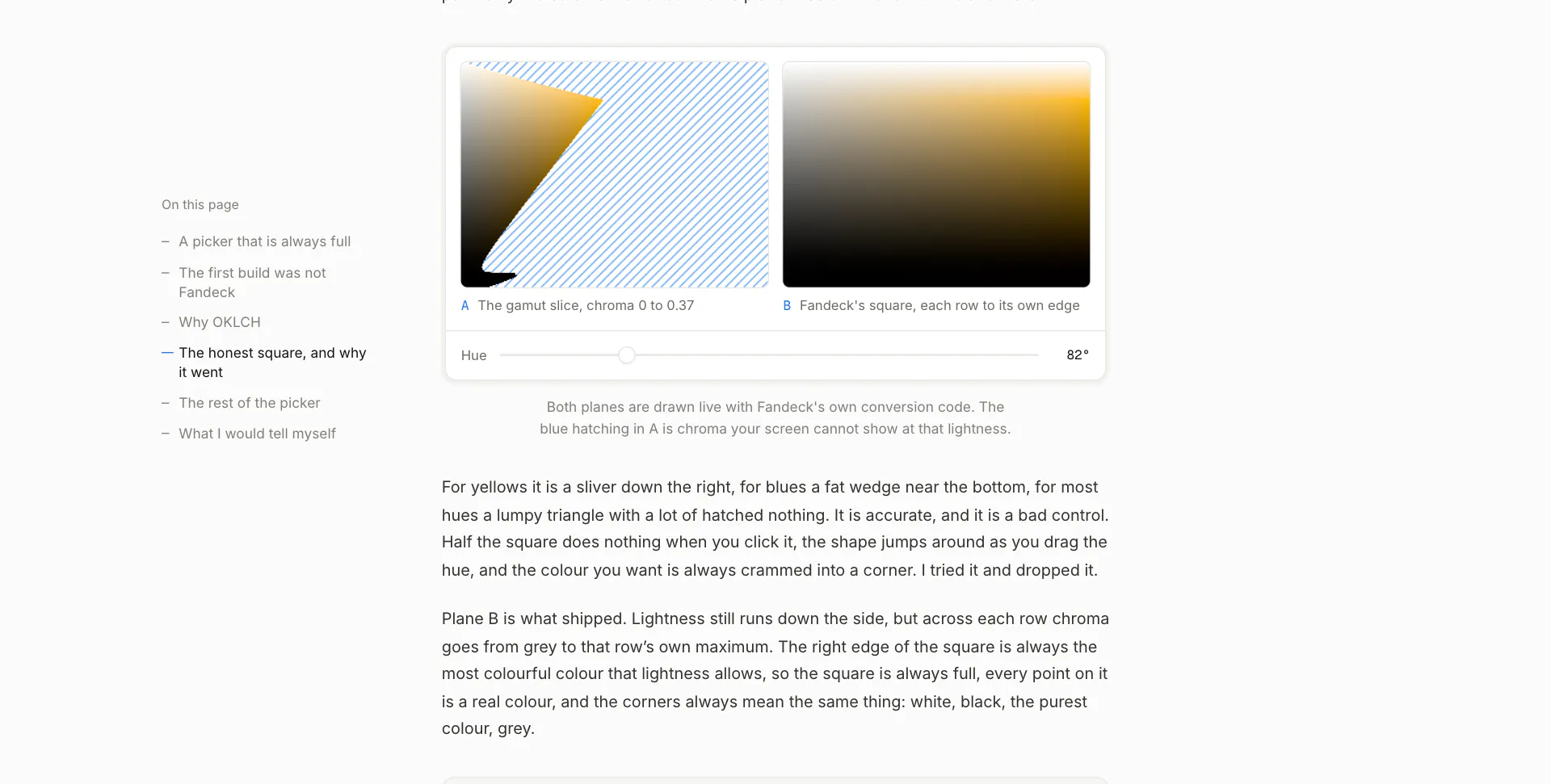
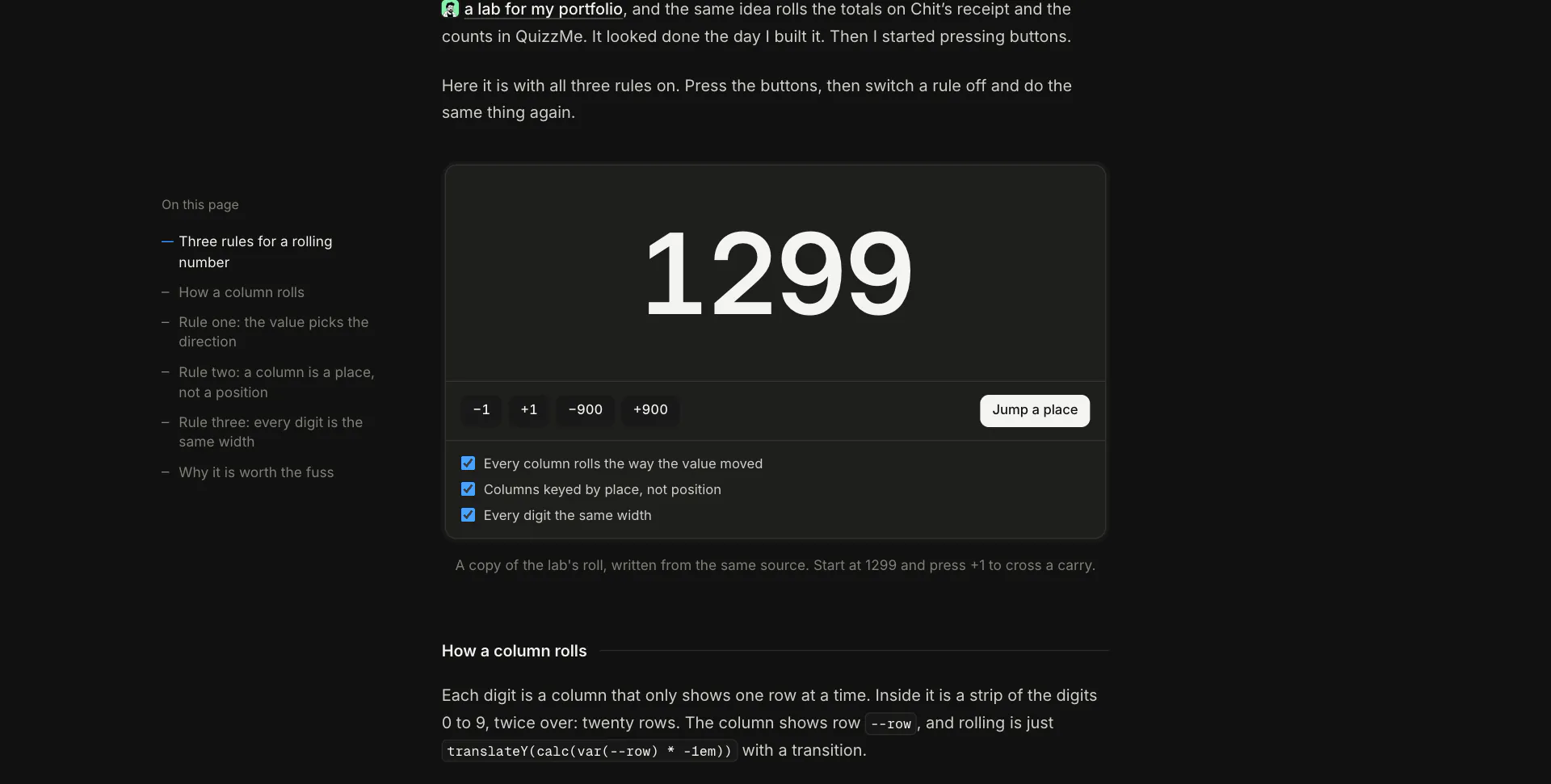
- Live demos: an odometer, OKLCH planes, a revision cloud and a riso press, ported to run in the page.
- Code cards with the language and a copy button, and asides in a grey card.
-
Feeds
- Every post goes out on RSS, and there is a sitemap.
Code Walkthrough & Notable Modules
src/content/posts/: one folder per post, anindex.mdxwith its hero, clips and screenshots beside it.src/content.config.ts: the posts collection and its front matter (title, dek, date, kind, tags, project, hero, thumb, related links).- components/:
• Annotated.astro: a screenshot with marks, its notes list, and the selection box and badges.
• Clip.astro: a clip with a timeline, cues and a tracked box, placed from the frame on screen with
requestVideoFrameCallback. • Compare.astro: the before and after slider. • Hero.astro, PostList.astro, CodeCard.astro, Aside.astro, Related.astro: the rest of the page. • demos/: the live figures. src/layouts/Base.astro: the head, header and footer, and the scroll keeping for going back.src/site.ts: the name, the tag filters on the home page and the thumbnails switch.
UI / Responsiveness & Design Decisions
- A Browser’s Inspector: The pointing language is devtools’: a blue box with square handles and a label with the element’s size.
- Quiet on Purpose: A near white page, grey text and one blue (
#0a74e8) for everything that points. Dark mode follows your system, with no switch. - One Column: 620 px of text with figures the same width, set on stages instead of breaking out of the column. The contents fill the left margin on wide screens.
- Only the Title Moves: Cross-document view transitions with no client router. The title glides between its row and the post, and nothing else travels.
- Your Place Is Kept: The list’s scroll is restored before the first frame, so the title lands on its own row.
- Typography: Inter for everything, Newsreader italic for the odd word, and Geist Mono for dates, times and sizes.
- Nothing Jumps: Self-hosted fonts with metric-matched fallbacks, heroes and figures sized before they load, and a fade in once the fonts are ready. Checked on 11 sizes from a 320 px phone to a 2560 px monitor, light and dark.
Challenges & Learnings
- Keeping a box on a moving subject: a track of keyframes per clip, read at the time of the frame actually on screen rather than the video’s current time, so the box never trails.
- Going back to the right place with view transitions: the list’s scroll has to be restored before the first frame, or the title flies to where the row used to be.
- Rendering the live demos’ first state on the server, so the first frame is already complete instead of filling in after the script runs.
- Learning Astro through the rebuild: content collections,
astro:assets, the fonts API, and component scripts that only ship where a figure needs them.
Future Improvements
- More Posts: A write-up for every project and lab.
- Search: Once there are enough posts to need one.
- Series: Posts grouped when one project gets several.
Screens & Visuals
Home
A Post
Pointing at Things
A Clip
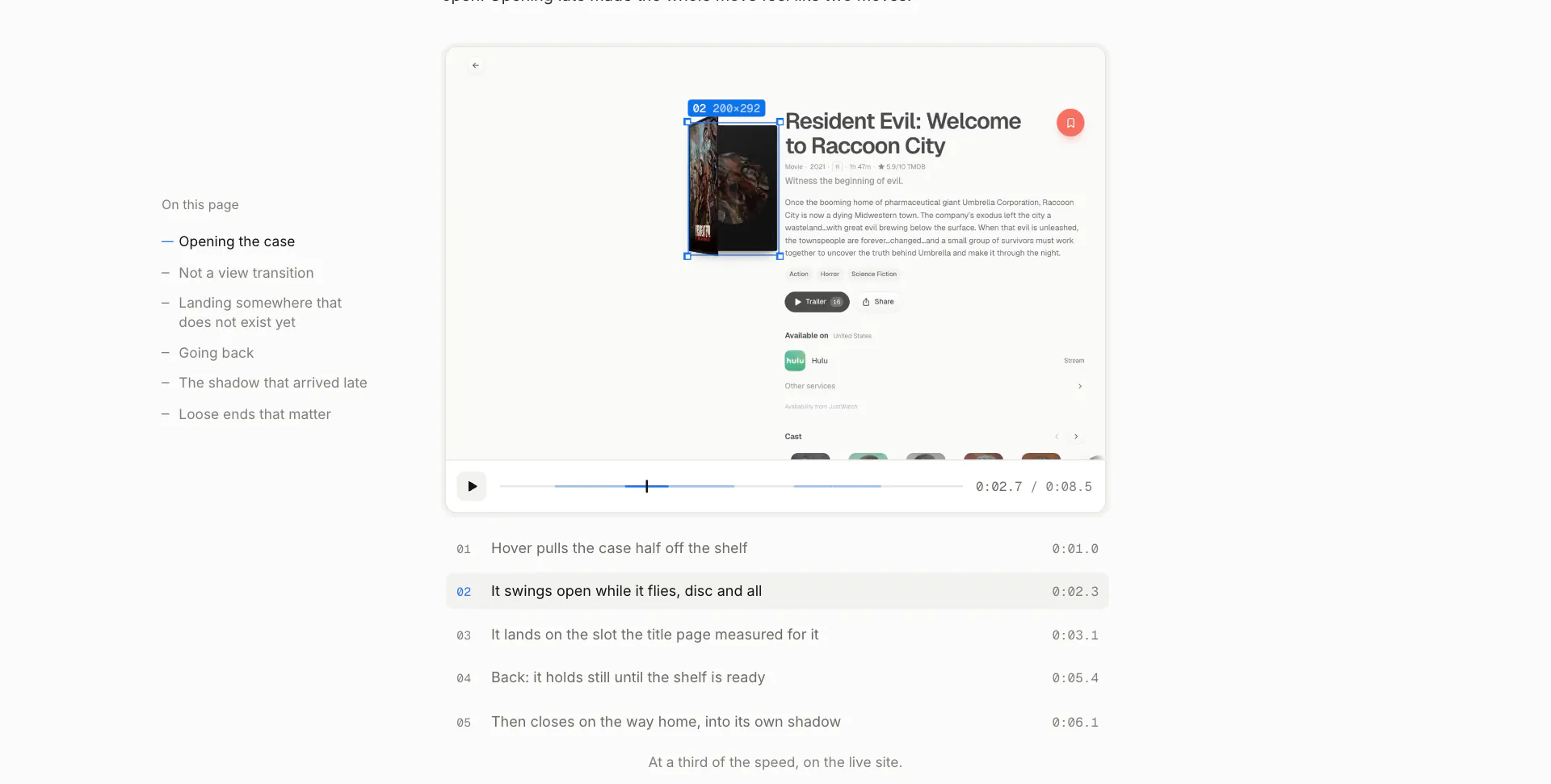
Before and After
A Live Demo
Dark Mode
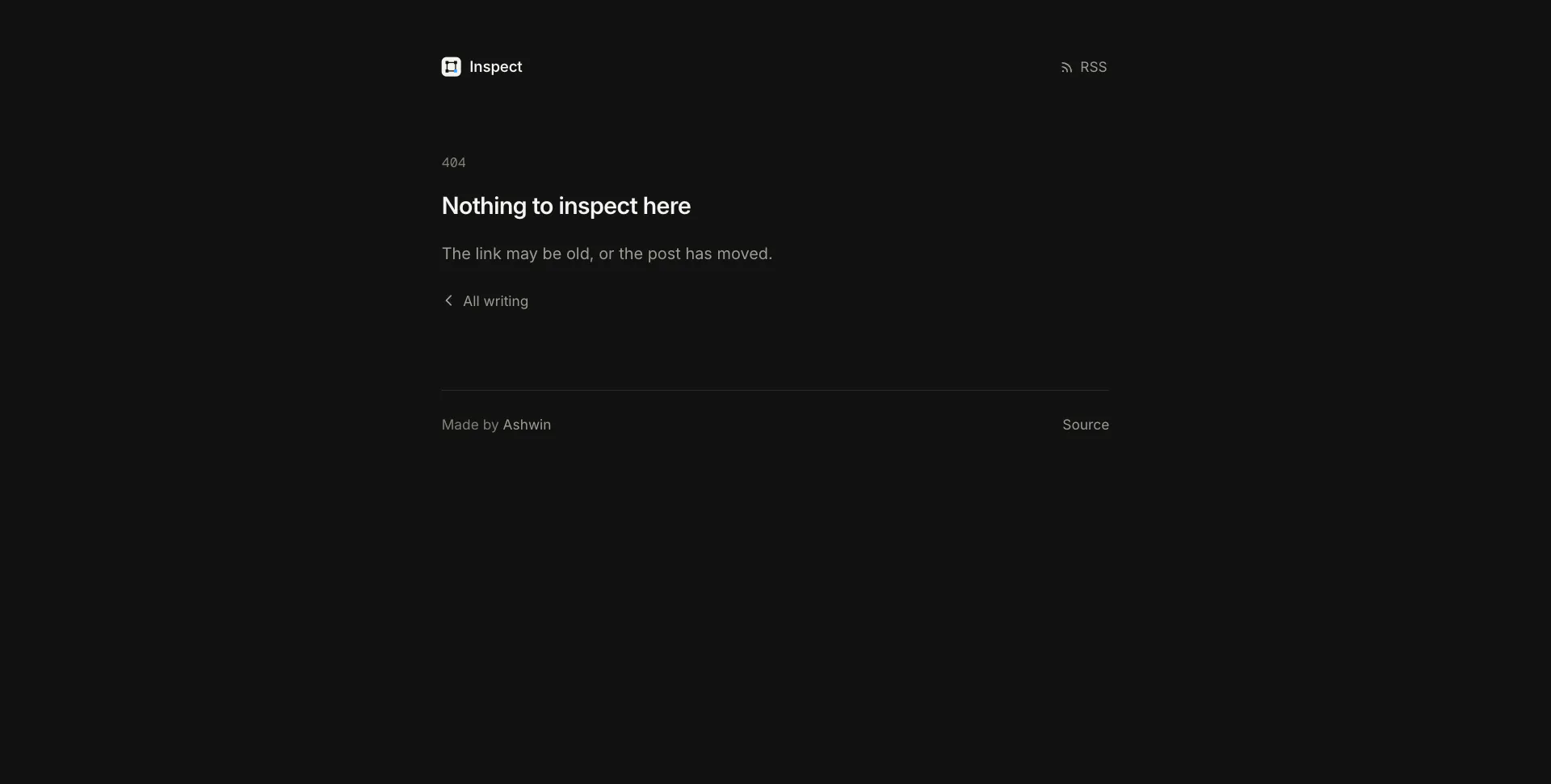
404