Overview
Pasteup is a meme maker named after paste-up, the old way of making a page: cut the pieces out, lay them on a mat and stick them down, which is all a meme is. Pick a template or your own image, write the captions, drag them where the joke needs them, and save, copy or share the result. It is built with React 19, TailwindCSS 4, Motion and Vite 8, and the templates come from the Imgflip API.
The first version, Meme Generator, handed you a random template, a box to add lines of text you could drag around, and a download button. This rebuild has a new name, a new design and a lot more to it. Everything is drawn on a canvas in the browser, so nothing is uploaded and there is no account.
Live: pasteup.ashwin.co.in
Source code: Explore Repo
Goals & Problems Solved
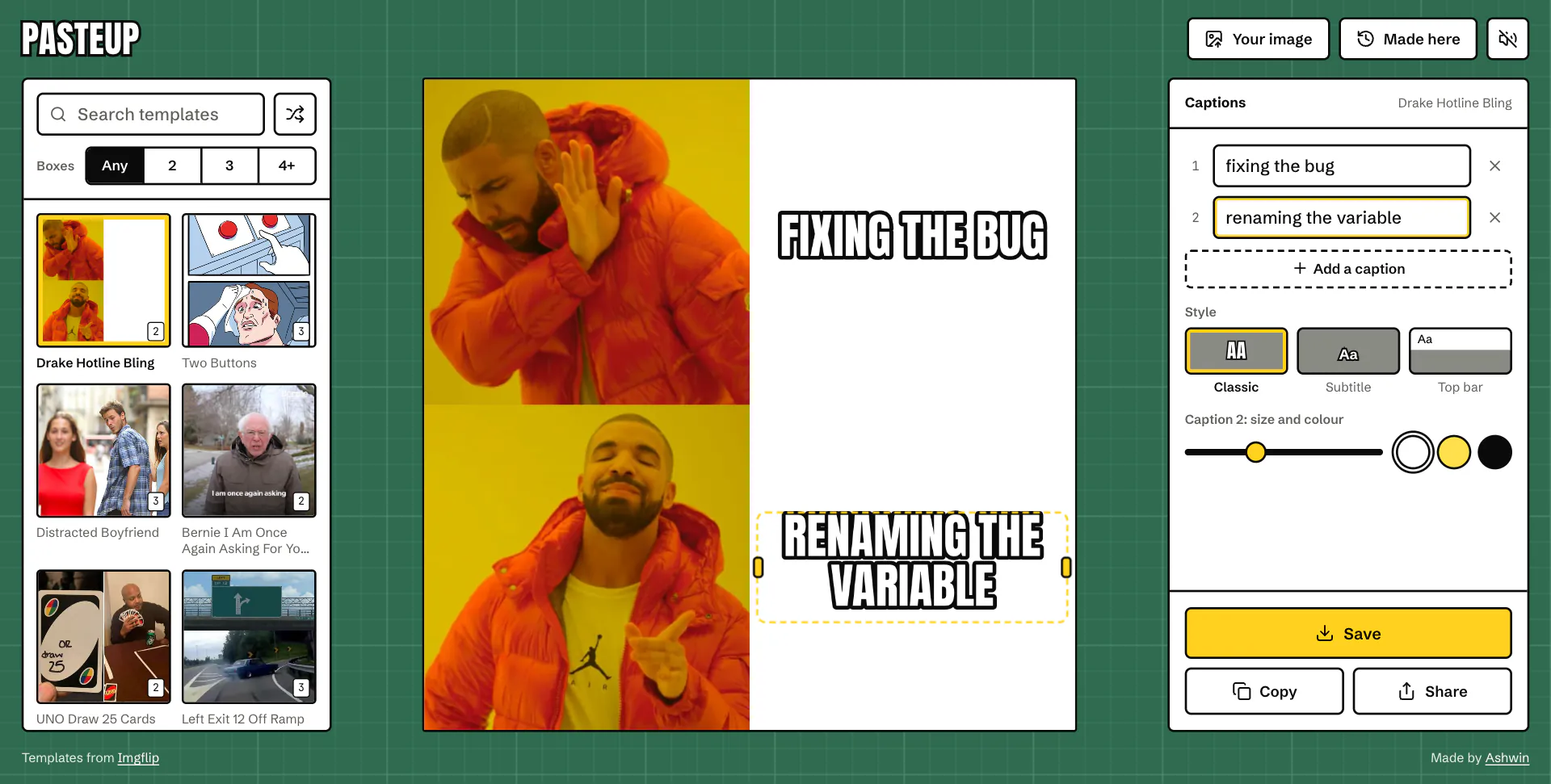
- Words Where the Joke Is: Captions start in the right spot on the most used templates, and go anywhere else with a drag.
- What You See Is What You Save: One canvas draws both the preview and the exported image.
- Any Image: The top 100 templates, or your own by picker, drop or paste.
- Out the Door Fast: Save a full-size image, copy it straight into a chat, or share it from a phone.
- Come Back Later: Everything you make is kept on your device, with its captions, to reopen and change the joke.
- No Server: Imgflip’s own captioning endpoint needs an account password, so Pasteup only asks it for the template list and draws everything itself.
Architecture & Tech Stack
| Layer | Technology / Library | Purpose |
|---|---|---|
| Framework / Build | React 19, Vite 8 | Components, a fast dev server and the production build |
| Styling | TailwindCSS 4 | Tokens, the cutting mat grid and the layout at every size |
| Motion | Motion | Sheets, toasts and the caption list |
| Drawing | Canvas 2D API | Layout and drawing for the preview and the export |
| Data API | Imgflip | The top 100 templates and their caption box counts, get_memes |
| Storage | IndexedDB, localStorage | Made here (with images) and the draft |
| Type / Icons | Anton, Schibsted Grotesk, JetBrains Mono, Lucide | Self-hosted fonts and icons |
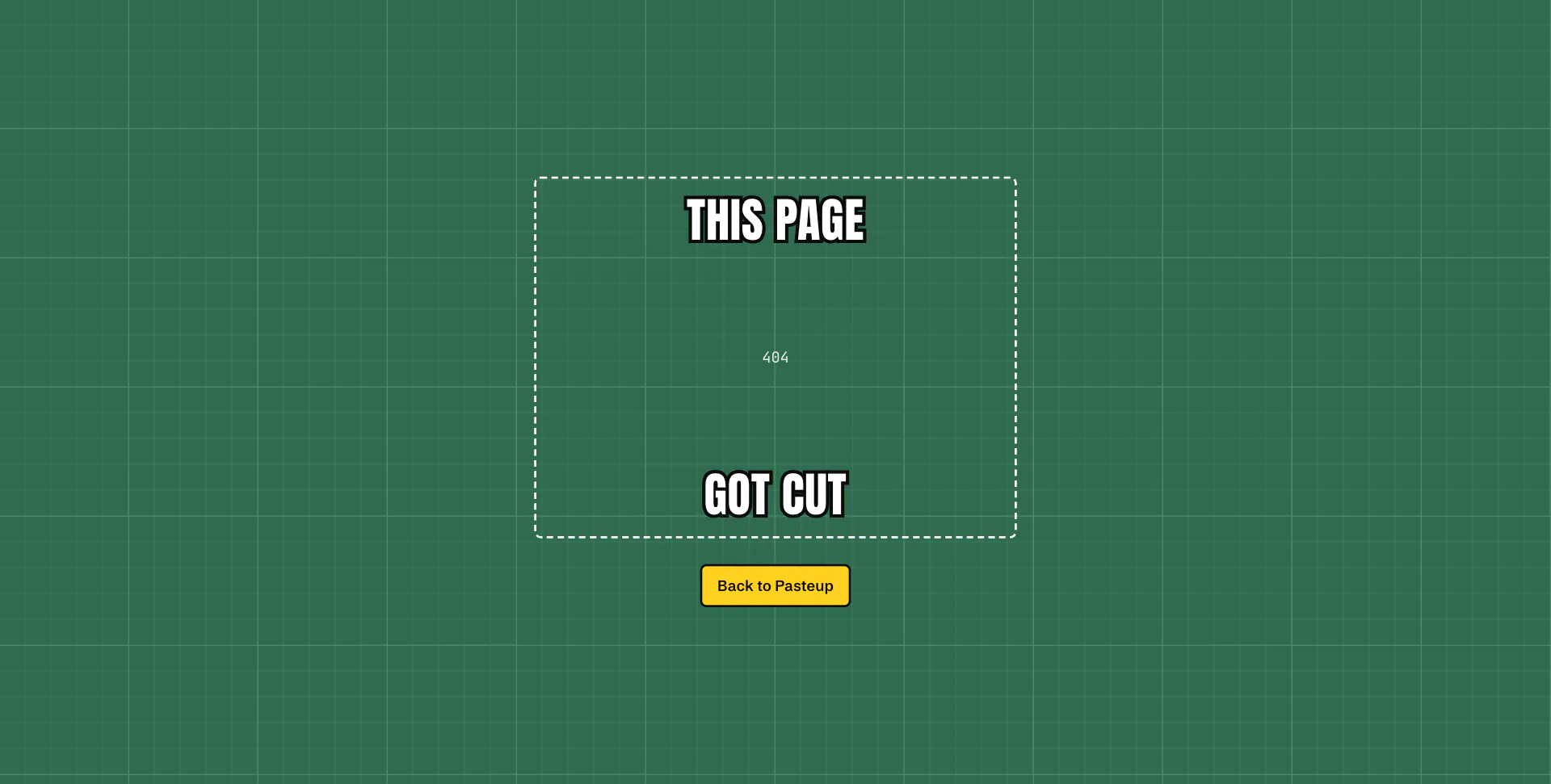
| Tooling / Hosting | Biome, Vercel | Lint and format, static hosting with a real 404 |
Key Features & UX Flow
-
Templates
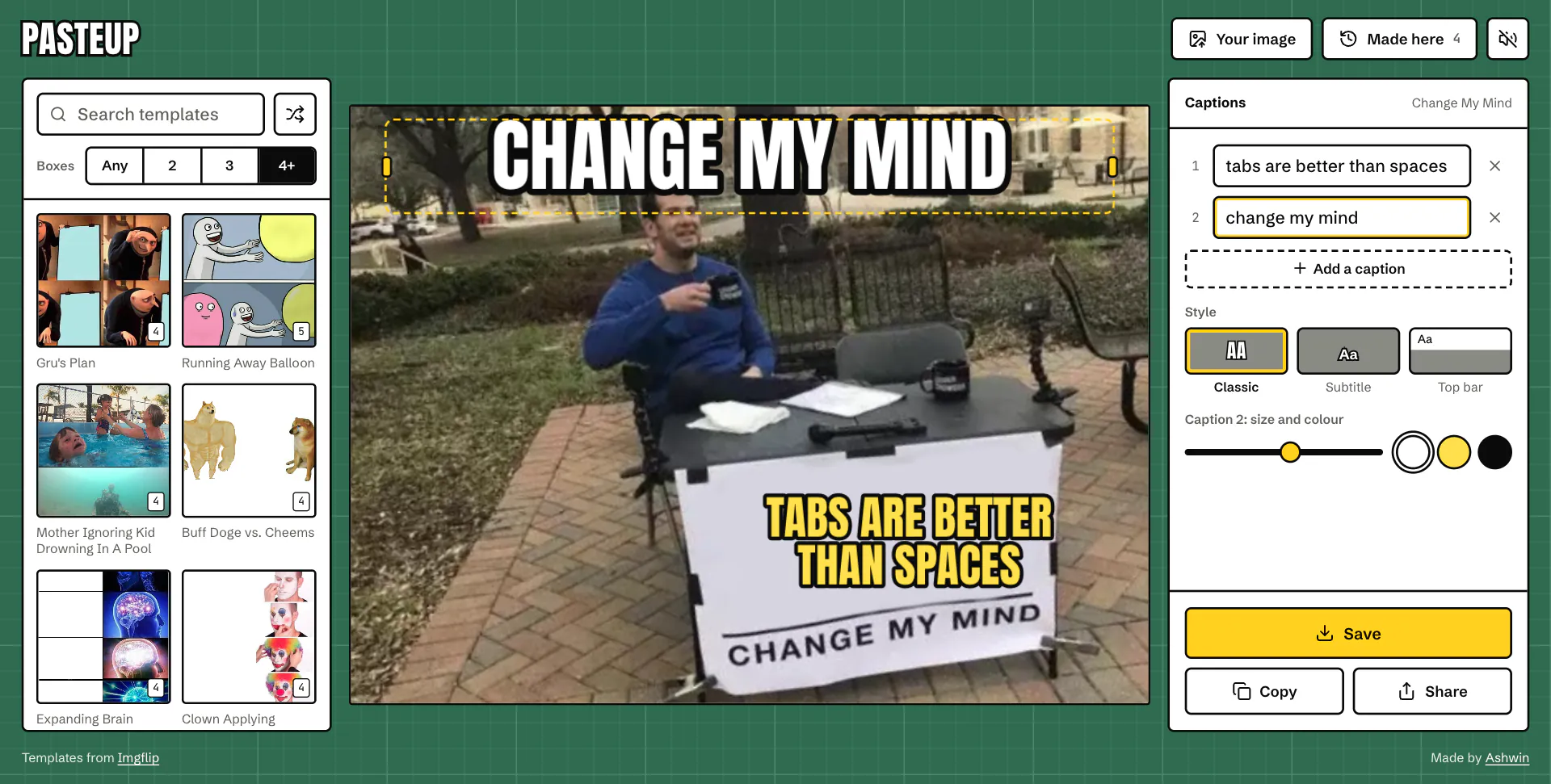
- Imgflip’s top 100, searchable by name, filtered by how many caption boxes they have (2, 3 or 4+), or a random pick.
?t=links open a template directly, and caption text carries over when you switch templates.
-
Captions Where They Go
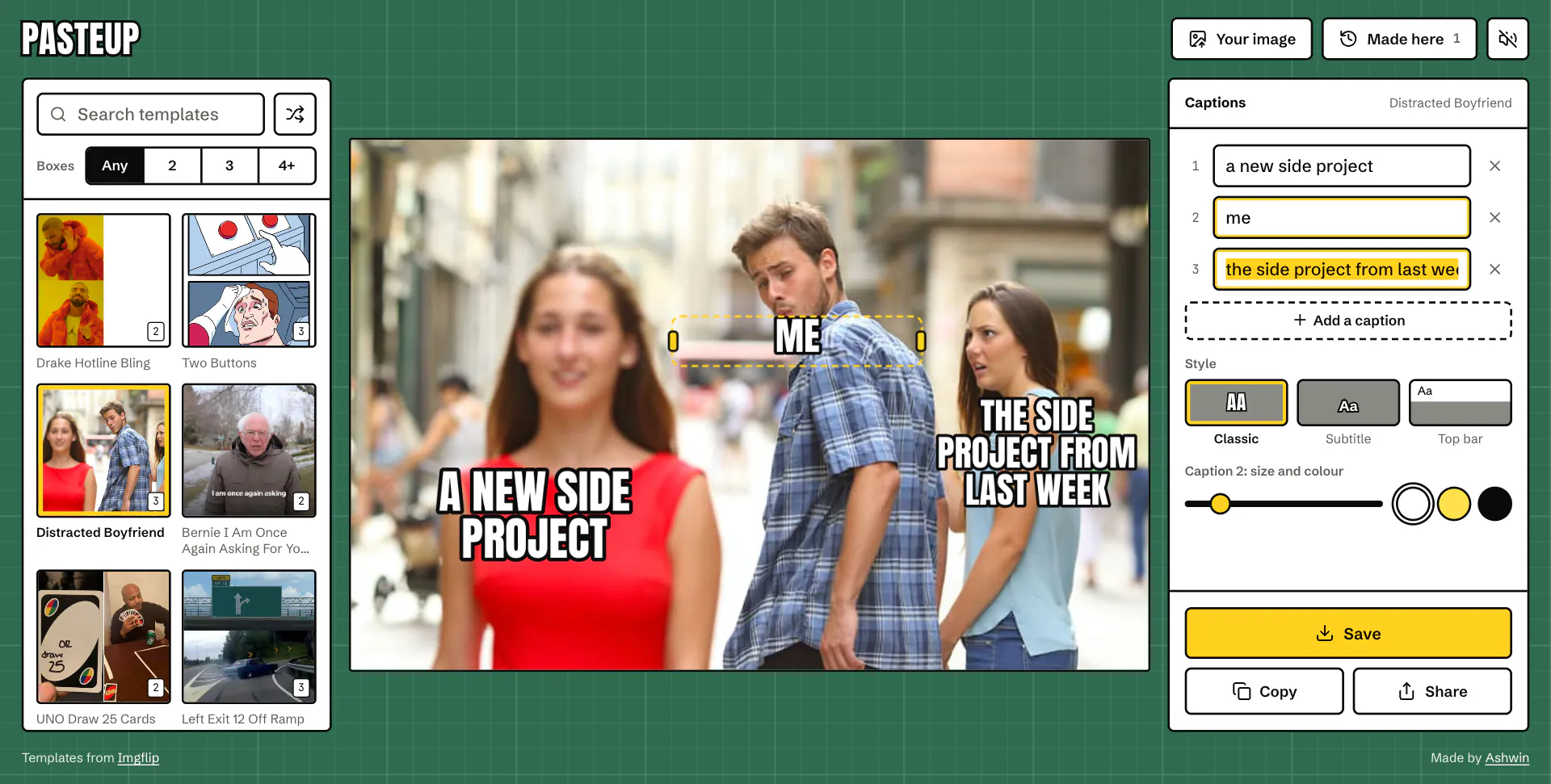
- Imgflip says how many boxes a template has but not where they are. The 16 most used templates have hand-placed spots: Drake’s on the right, the boyfriend’s on each person, Gru’s on each board.
- Everything else starts top and bottom, or spread down the image.
-
Drag, Resize, Nudge
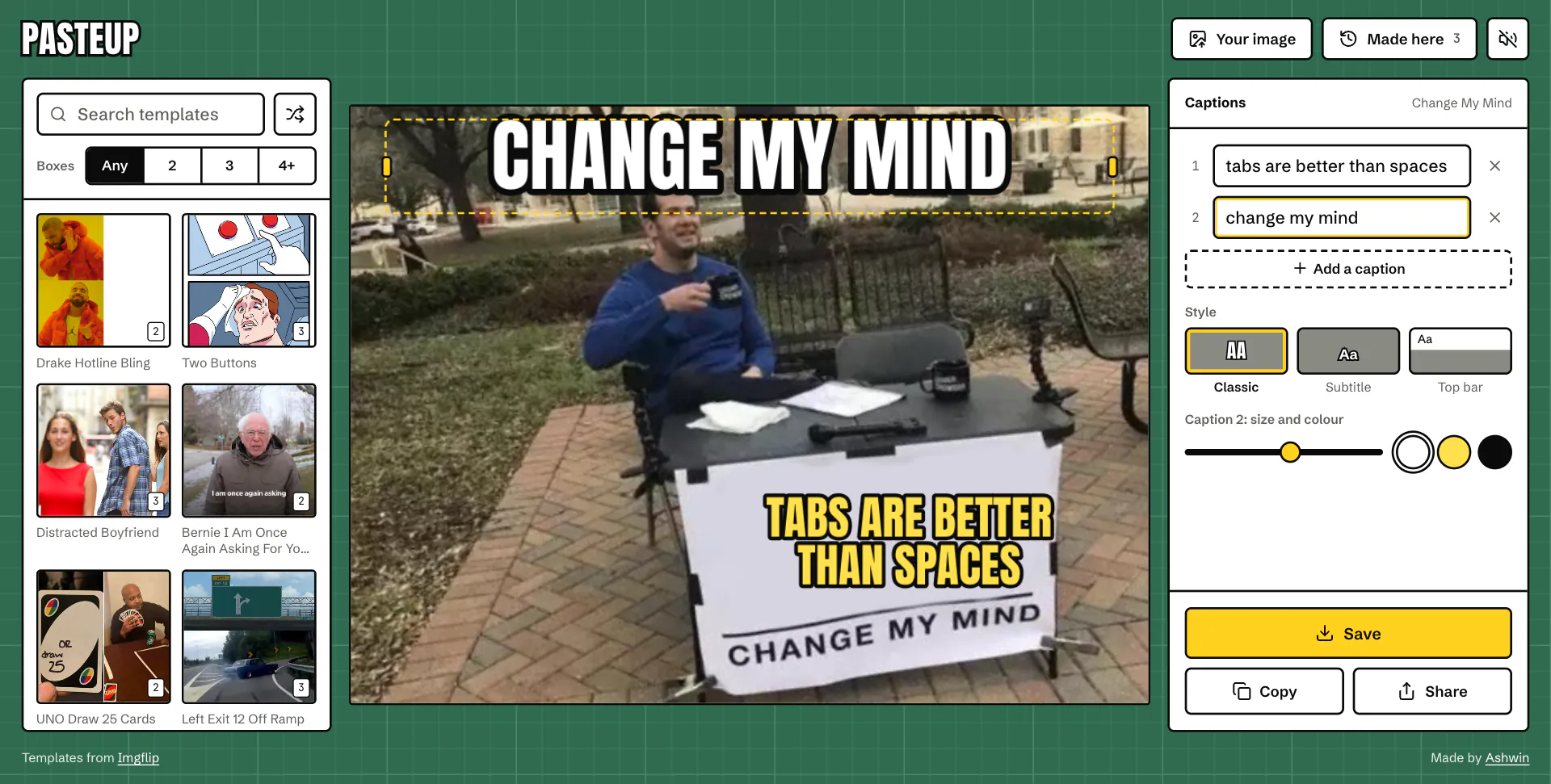
- Drag a caption anywhere, pull its handles to change how wide it wraps, or focus it and use the arrow keys (
Shiftfor bigger steps). - Long lines shrink to fit the width and three lines instead of running off the image.
- Drag a caption anywhere, pull its handles to change how wide it wraps, or focus it and use the arrow keys (
-
Styles, Size and Color
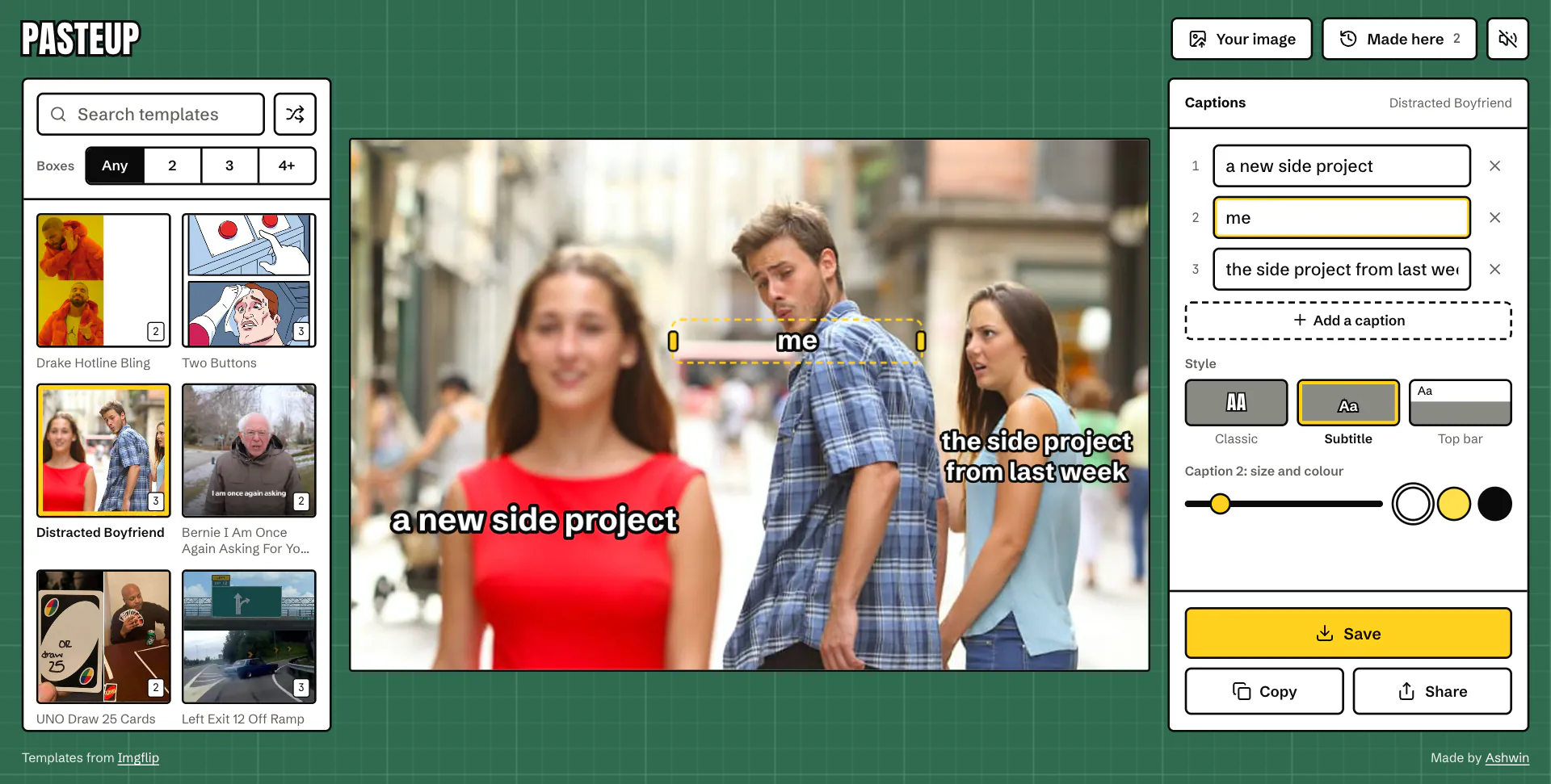
- Classic white Impact with a black outline, subtitle, and top bar, a white strip with plain text above the picture.
- Size and color per caption: white, yellow or black, each with the outline that reads on it.
-
Your Own Image
- Pick one, drop one on the mat, or paste one straight from the clipboard.
-
Save, Copy, Share
- Save downloads a full-size JPG (PNG for PNG templates), drawn at least 900 px wide so small templates stay sharp.
- Copy puts a PNG on the clipboard ready to paste into a chat, and share opens the share sheet on phones.
-
Made Here
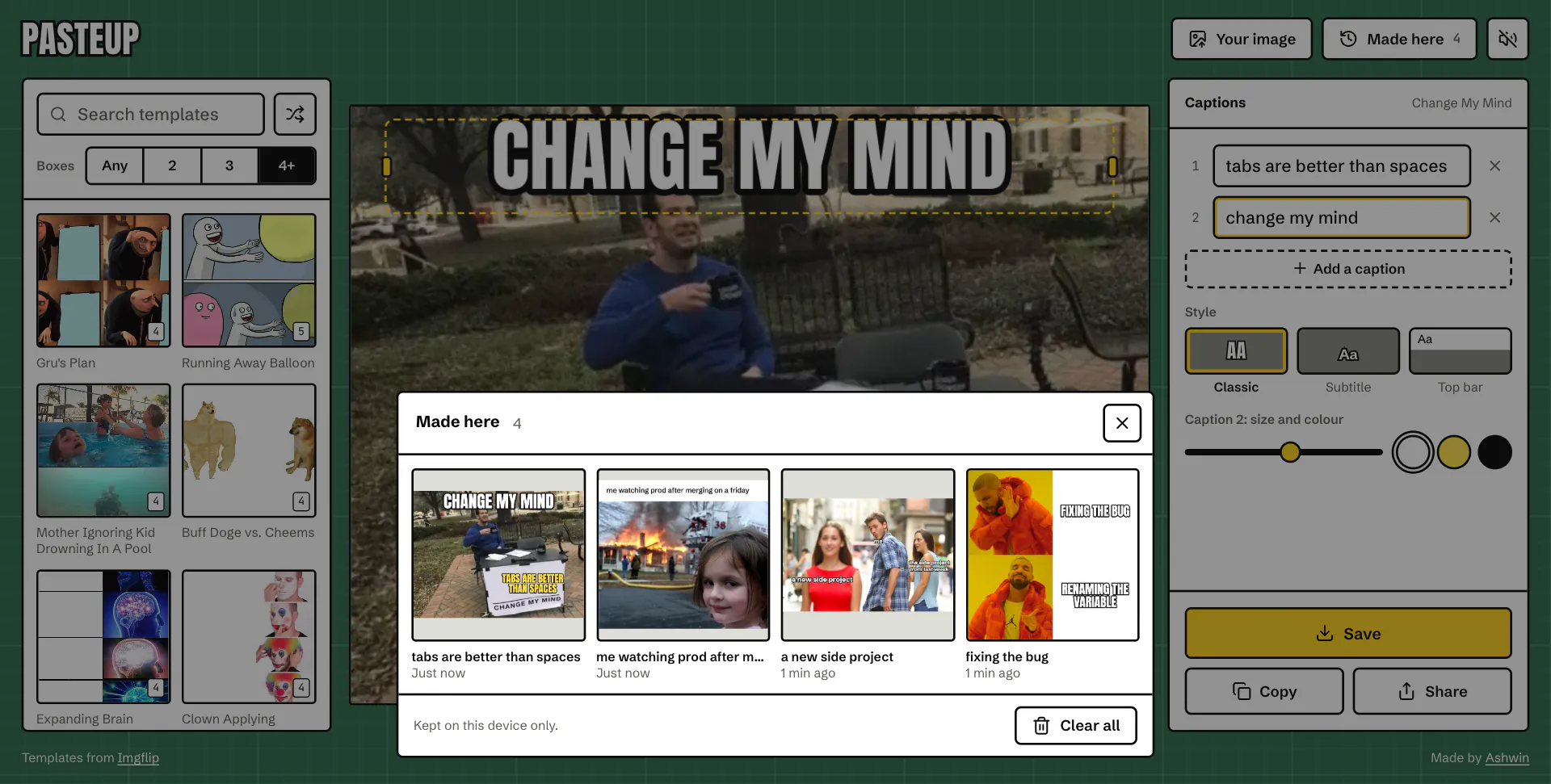
- The last 40 memes you saved, copied or shared, with thumbnails, kept in IndexedDB with their captions and your own images, to reopen and edit.
- The current draft survives a reload.
Code Walkthrough & Notable Modules
src/App.jsx: layout, header, sheets, paste and template links, and the title for each view.- components/: • Stage.jsx: the canvas and the draggable caption handles laid over it. • Captions.jsx: caption fields, style, size, color, save, copy and share. • Templates.jsx: search, the box count filter and the template grid. • Kept.jsx, Sheet.jsx, Toaster.jsx, NotFound.jsx: made here, a bottom sheet with drag to dismiss, toasts and the 404.
- lib/: • meme.js: layout and drawing, used for both the preview and the export. • presets.js: caption spots for the most used templates. • editor.js: editor state, templates, images, export and made here. • actions.js, db.js: save, copy and share, and IndexedDB. • sound.js, store.js: Web Audio ticks, tiny stores, toasts and haptics.
UI / Responsiveness & Design Decisions
- A Cutting Mat: The page is a green self-healing mat with its printed grid, because that is where paste-up happens.
- The Caption Is the UI: Panels and buttons are white with a thick black outline, the same white fill and black stroke as a classic caption.
- One Yellow: The yellow of a snap-off craft knife blade marks the selected caption, the selected template and save, and nothing else.
- Typography: Anton, the free cousin of Impact, for the name and the captions; Schibsted Grotesk for everything else; JetBrains Mono for small numbers.
- No Dark Mode: The mat is already a mid green, and a meme looks the same either way.
- One Screen, Every Screen: From a 320 px phone to a 2560 px monitor it fits without scrolling. Phones stack the meme over the captions, landscape phones put them side by side, tablets add templates as a sheet, and wide screens show three columns.
- Nothing Jumps: Self-hosted, preloaded fonts with metric-matched fallbacks and the meme in a fixed box, so layout shift measures 0, even while a template link loads.
- Accessible: Caption handles are real buttons that work with a keyboard and a screen reader, and reduced motion turns the motion off.
Challenges & Learnings
- Placing captions with no box positions from the API, using spots checked against gridded contact sheets for the most used templates.
- Keeping the preview and the saved image identical by drawing both with one canvas renderer.
- Making canvas text draggable and accessible with HTML handles laid out from the same maths.
- Drawing cross-origin images on a canvas without tainting it, so save and copy keep working.
- Waiting for fonts before the first draw, so a caption is never drawn in a fallback face.
- Keeping images and blobs on the device with IndexedDB.
- Replacing ESLint with Biome.
Future Improvements
- Stickers: cut-out images laid on top of a template.
- More Caption Spots: hand-placed spots for more of the top 100.
- GIFs: captions over animated templates instead of a still of the first frame.
Screens & Visuals
Home
Drag and Resize
Subtitle Style
Top Bar Style
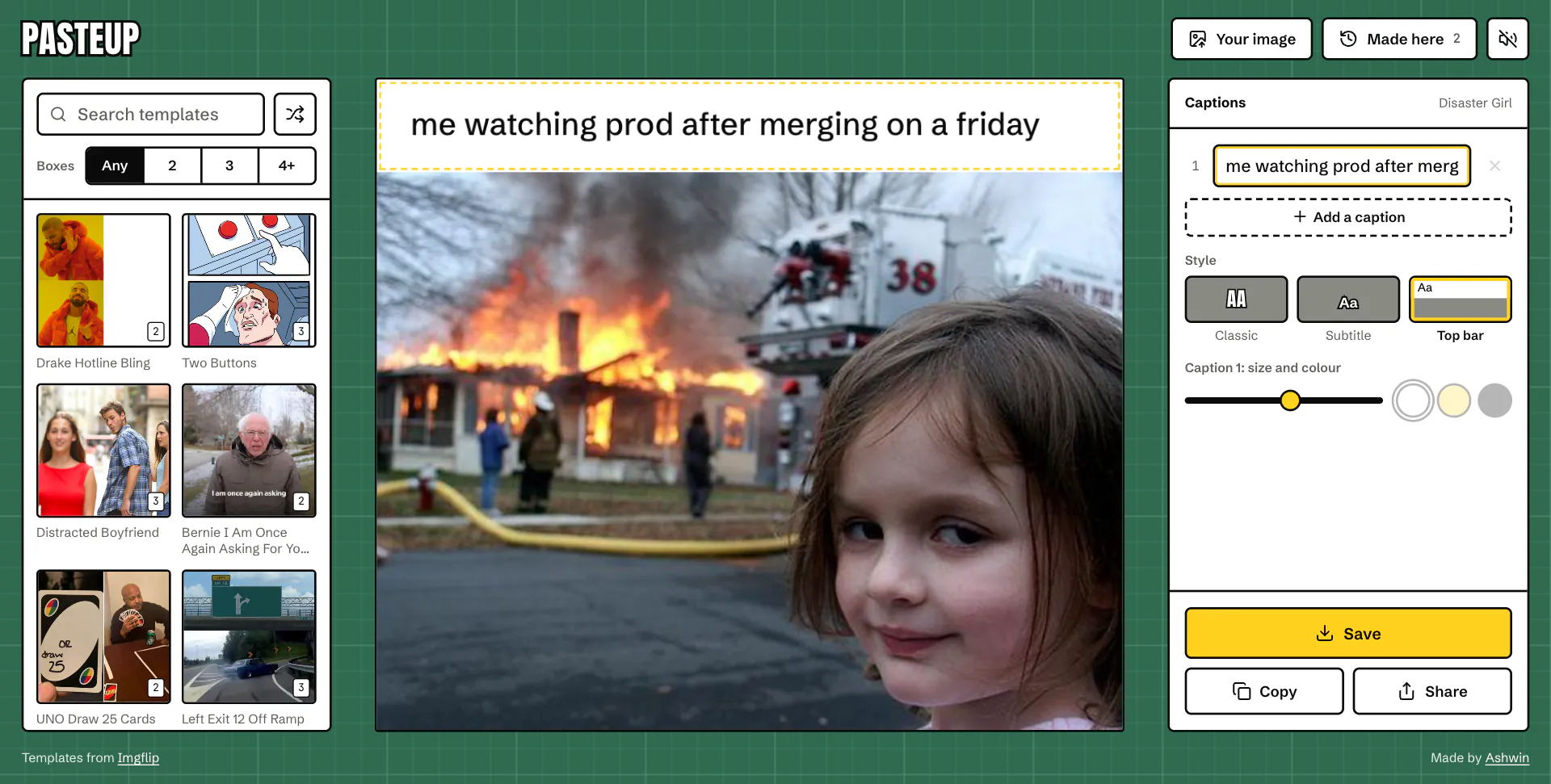
Size and Color
Filter by Caption Boxes
Made Here
404