Overview
Chit is a shopping list you share, printed like a till receipt. A chit is the slip of paper you hand over at the corner shop, so the list looks like one: it grows a line at a time as you add things, gets crossed off in red pen as they go in the basket, and is stamped Bagged when the last one does. Send the link to whoever is in the other aisle and every phone with it open updates live. It is plain HTML, CSS and JavaScript with no framework and no build step, on the Firebase Realtime Database.
The first version, Add To Cart, was one list that everyone who opened the site shared, with an input, an add button and a cat. This rebuild has a new name, a new design, a private link for every list and a lot more to it.
Live: chit.ashwin.co.in
Source code: Explore Repo
Goals & Problems Solved
- Your Own List: Every chit has its own link instead of one list shared by the whole internet.
- Shop Together: Adds, ticks and edits show on every phone as they happen, with a count of who has it open.
- Type It How You’d Say It:
2 kg onionsandmilk x2come out as a name and a quantity, sorted into a shop section. - Bad Signal: It opens and keeps working with no connection, and syncs when it’s back.
- Free Plan: Everything fits Firebase’s free Spark plan, including its 100 connection limit.
Architecture & Tech Stack
| Layer | Technology / Library | Purpose |
|---|---|---|
| Markup / Style | HTML, CSS | One page, one stylesheet, the receipt drawn with masks and SVG noise |
| Script | JavaScript ES modules | Loaded straight by the browser, no build step |
| Data | Firebase Realtime Database, SDK 12 | Lists, items and presence, synced live |
| Offline | Service worker, localStorage | The app shell on the device, your chits and the last copy of each |
| Motion / Sound | CSS transitions, Web Animations API, Web Audio | Printing, pen strokes, the stamp and their sounds |
| Type / Icons | Martian Mono, Hanken Grotesk, Iconoir, uqr | Self-hosted fonts, an inline icon sprite and the QR code |
| Hosting | Vercel | Static files with a real 404 |
Key Features & UX Flow
-
A Chit of Your Own
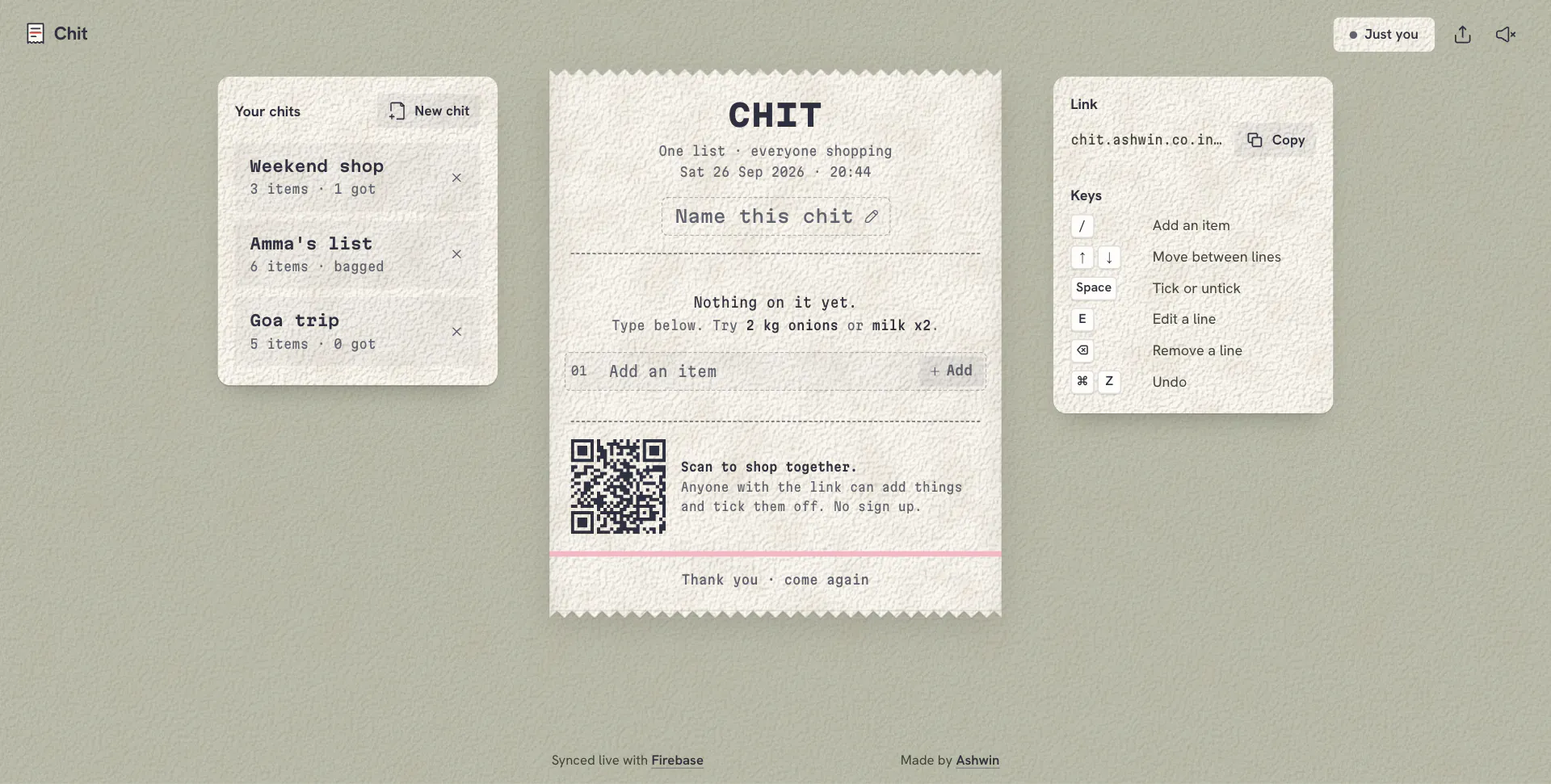
- Opening the site makes a random 16 character id, about 80 bits, but writes nothing until you add the first item or name it.
- Share it from the share button, or have someone scan the QR code printed at the foot of the receipt.
-
Write It on the Chit
- The next line of the receipt is a dashed write-in line, numbered and waiting. Type, press enter, and it prints left to right like a print head while the lines below slide down.
- On a long list a small ink plus sits at the bottom right whenever that line is out of view and takes you straight back to it.
- Things you have added before show up as chips under it, narrowing as you type.
-
Quantities and Sections
2 kg onions,onions 2kg,milk x2,half kg tomatoesanda dozen eggsall split into a name and a quantity.- Each item lands in a section (fruit and veg, dairy and eggs, bread, staples and spices, cleaning and more) from a word list that knows atta, dal and pav as well as bread and milk.
- Typing something already on the chit points you to it instead of adding it twice, and updates the quantity or puts it back on the list.
-
Tick, Edit, Undo
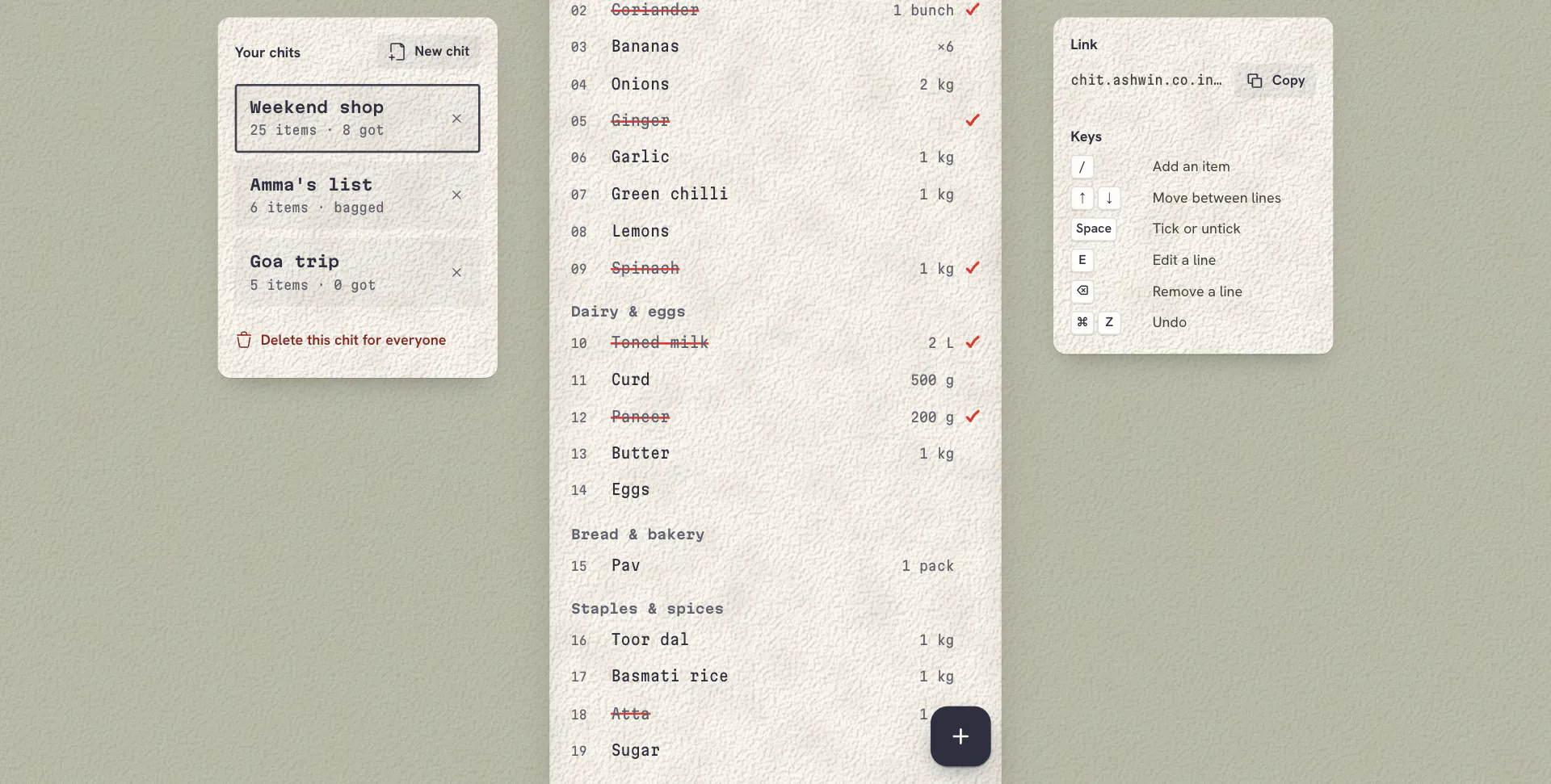
- A tap draws a red pen stroke through the line, then a check mark. Unticking fades the ink.
- Hold a line, right click it or press
Eto edit its name, quantity or section. - Clear ticked, removes and edits all have undo, from a toast or
Cmd/Ctrl+Z. - When the last line is ticked the totals roll to zero and the Bagged stamp comes down with a thump.
-
Together, Live
- Every phone with the chit open sees changes as they happen, and lines someone else changes flash so you notice.
- The top bar shows how many people have it open, or that you are offline.
-
Your Chits
- Every chit you open or make is kept on your device with its item count, to jump between the weekly shop and the trip list.
- Removing one from your device leaves it for everyone else; delete for everyone removes it from the database, with undo.
Code Walkthrough & Notable Modules
index.html: the page, the icon sprite, the receipt and both sheets.index.css: tokens, the paper and grain textures, the torn edges and every component.- js/:
• main.js: state, rendering the receipt with FLIP moves, optimistic writes, undo, sheets, toasts, the write-in line and keyboard.
• db.js: Firebase lists, items, names, presence and the connection saver.
• parse.js: quantities, units and shop sections from what you type, and duplicate matching.
• qr.js, vendor/uqr.js: the share link as an SVG path.
• sheet.js, tip.js: bottom sheets with drag to dismiss, and tooltips for icon buttons.
• sound.js, store.js: Web Audio printer, pen and stamp sounds, and your chits, the offline copy and suggestions in
localStorage. sw.js: network first with a short timeout for the app, cache first for fonts and the pinned Firebase SDK.database.rules.json: rules that allow one chit by its id and never a listing, with a type and length check on every field.
UI / Responsiveness & Design Decisions
- A Receipt: Thermal paper with torn edges, a wide header, dashed rules, numbered lines, totals, a QR code where the barcode would be, the pink stripe rolls print near their end, and “thank you, come again”.
- Printed and Crossed Off: Items are set in ink and ticks are drawn in red pen over them, so the two never look alike.
- Paper on Paper: A white receipt on a sage desk, both with the same fibre texture, an SVG
feTurbulencenoise lit byfeDiffuseLighting. The side panels are cream paper cards. - Typography: Martian Mono for everything on the paper, using its width axis for the wide header, sections and totals; Hanken Grotesk for the controls around it. Sentence case, with capitals only for the printed wordmark and the stamp.
- No Dark Mode: A receipt is white paper.
- Every Screen: One column on phones, the receipt beside cards for the link and your chits on tablets, three columns on desktop and a wider receipt on big monitors. Checked at 20 sizes from a 320 px phone to a 2560 px monitor with no sideways scroll.
- Nothing Jumps: Self-hosted, preloaded fonts with metric-matched fallbacks; the header shows at once and the rest fades in together once the list is in, with a printing skeleton if it takes a moment. Layout shift measures 0.
Challenges & Learnings
- Making one public database private per list with Firebase rules that allow a chit by its id but never a listing, and validate every field.
- Presence with
onDisconnectand.info/connected, and disconnecting background tabs to stay under the free plan’s 100 connections. - Applying writes on screen before Firebase confirms them, because the web SDK won’t raise events offline for a list it has never fetched.
- A service worker for an app that has to open in a shop with bad signal.
- Parsing however people type a shopping list into a name, a quantity and a section.
- Designing around one physical object, down to the torn edge and the stamp.
Future Improvements
- Prices: a price per line and a running total, like a real receipt.
- Shop Order: reordering sections to match the route through a shop.
- Offline Across Tabs: keeping offline changes when the tab is closed before it reconnects.
Screens & Visuals
Home
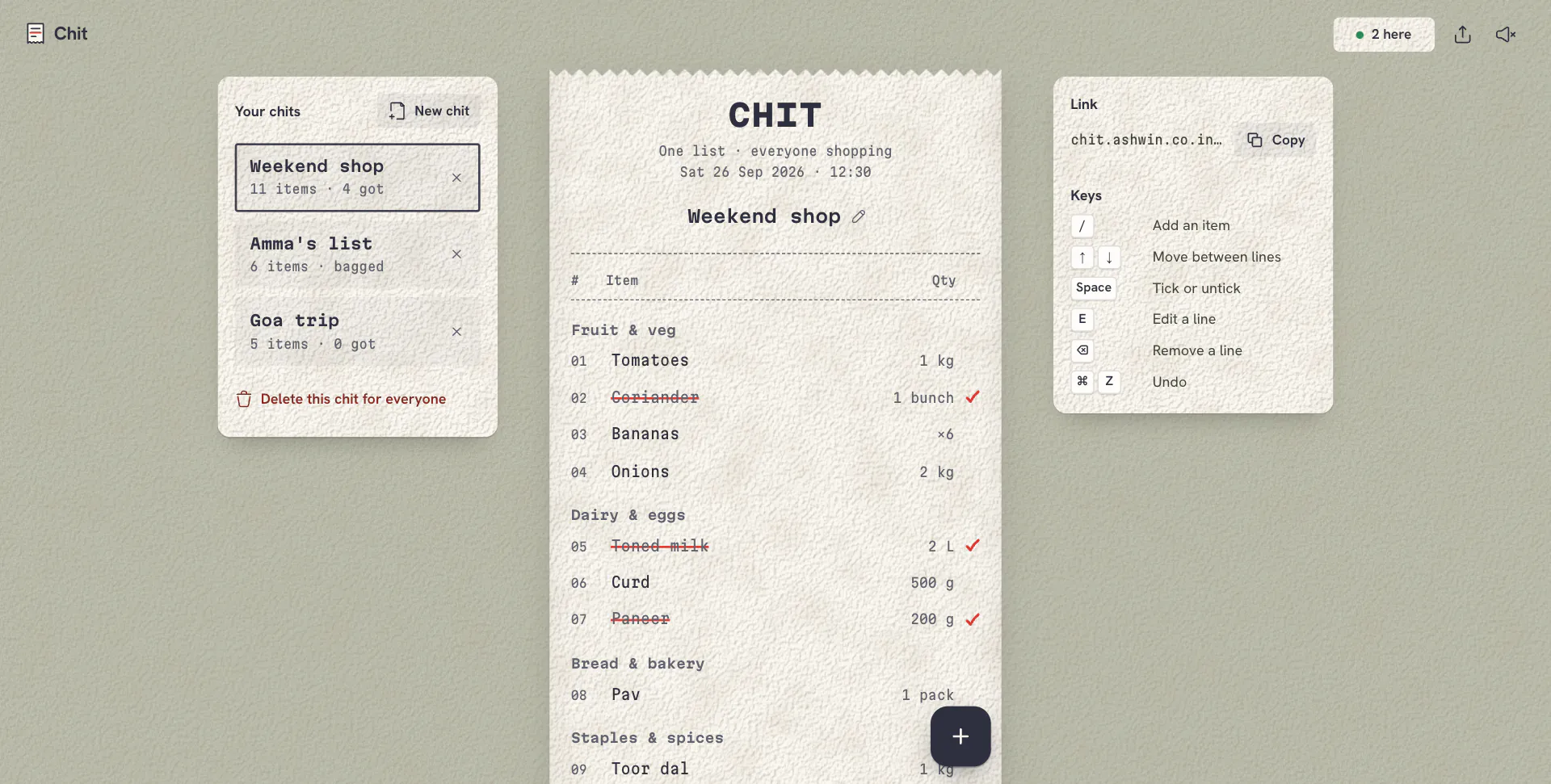
Suggestions
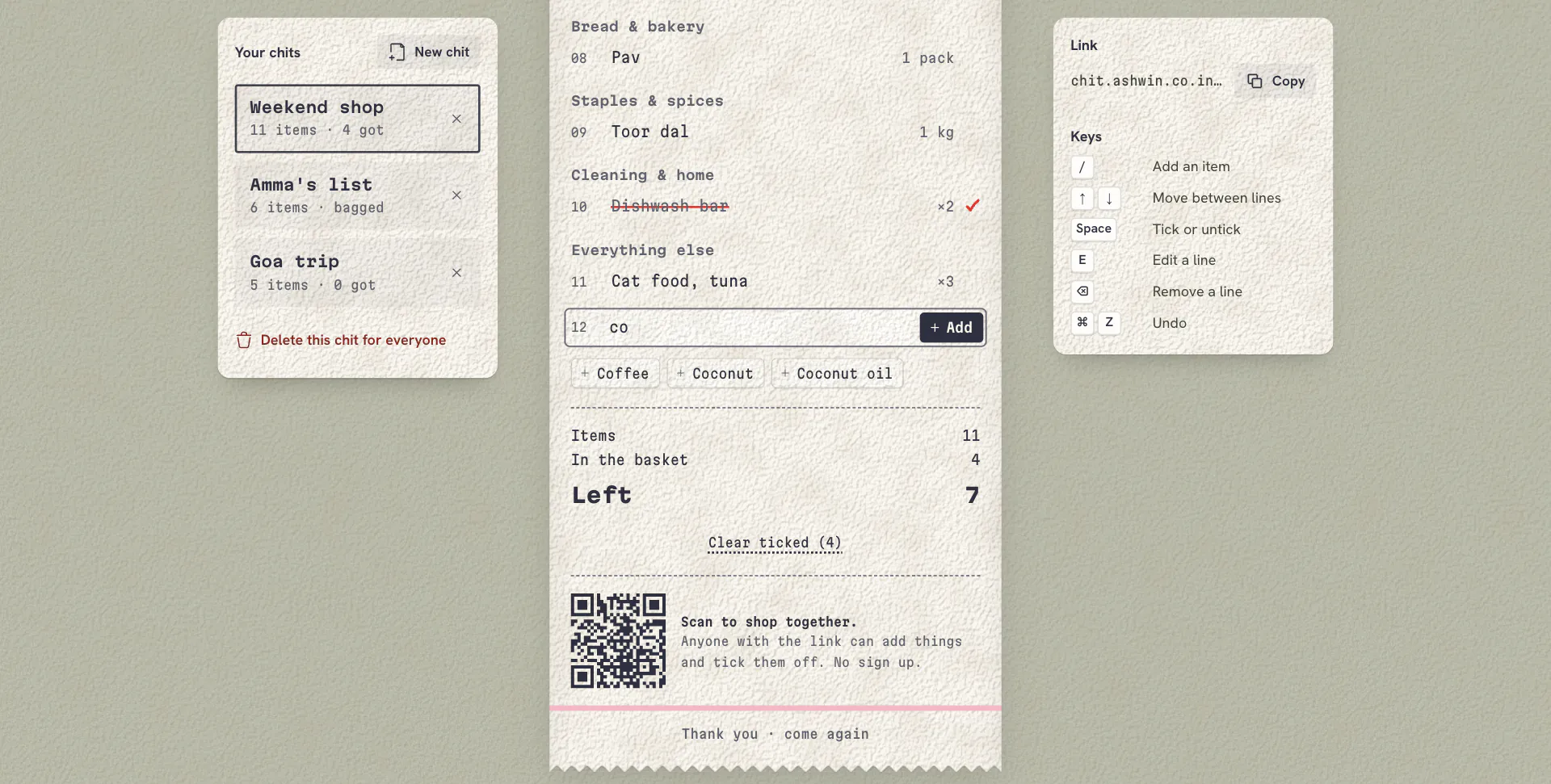
Bagged
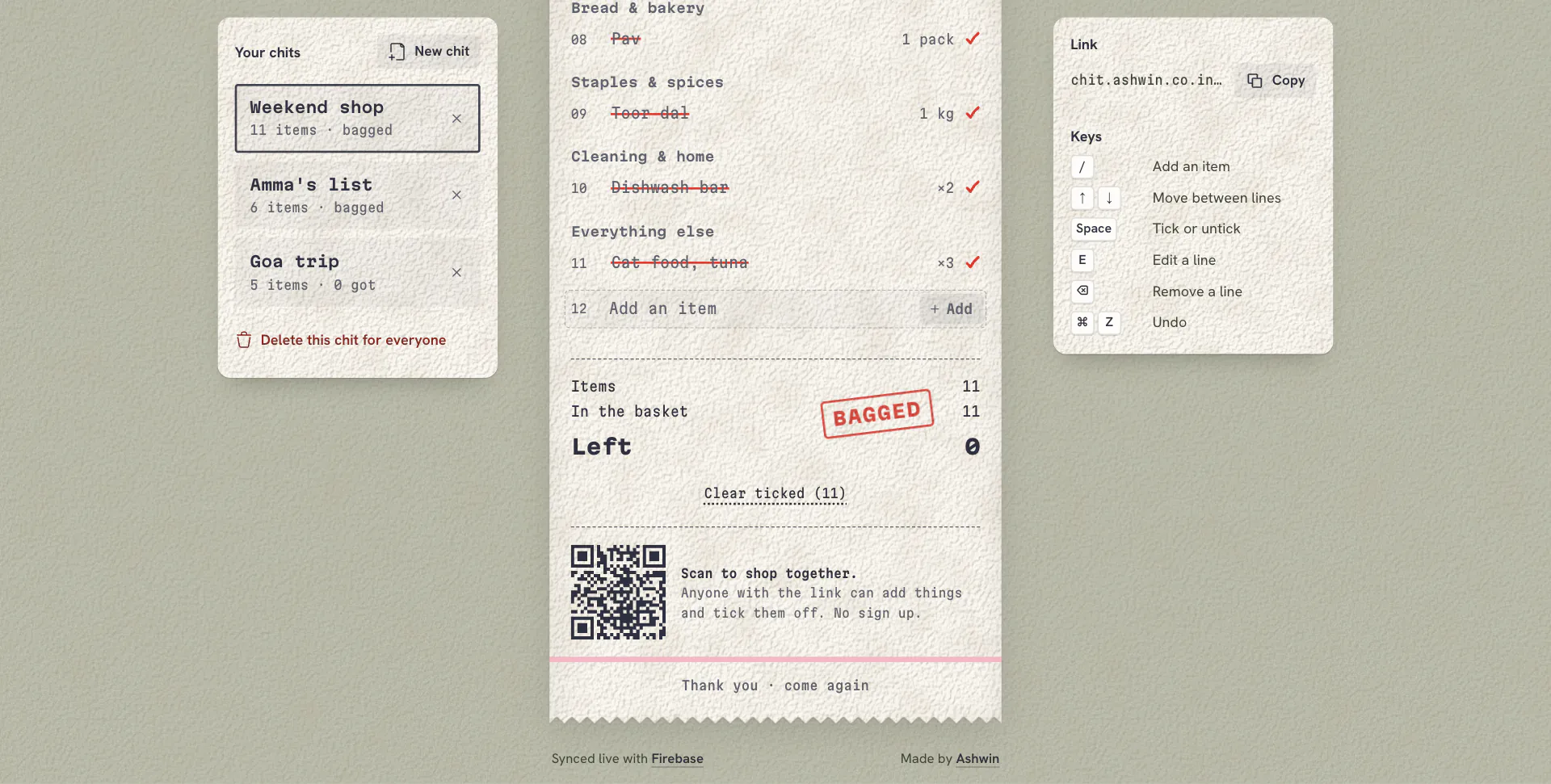
Edit a Line
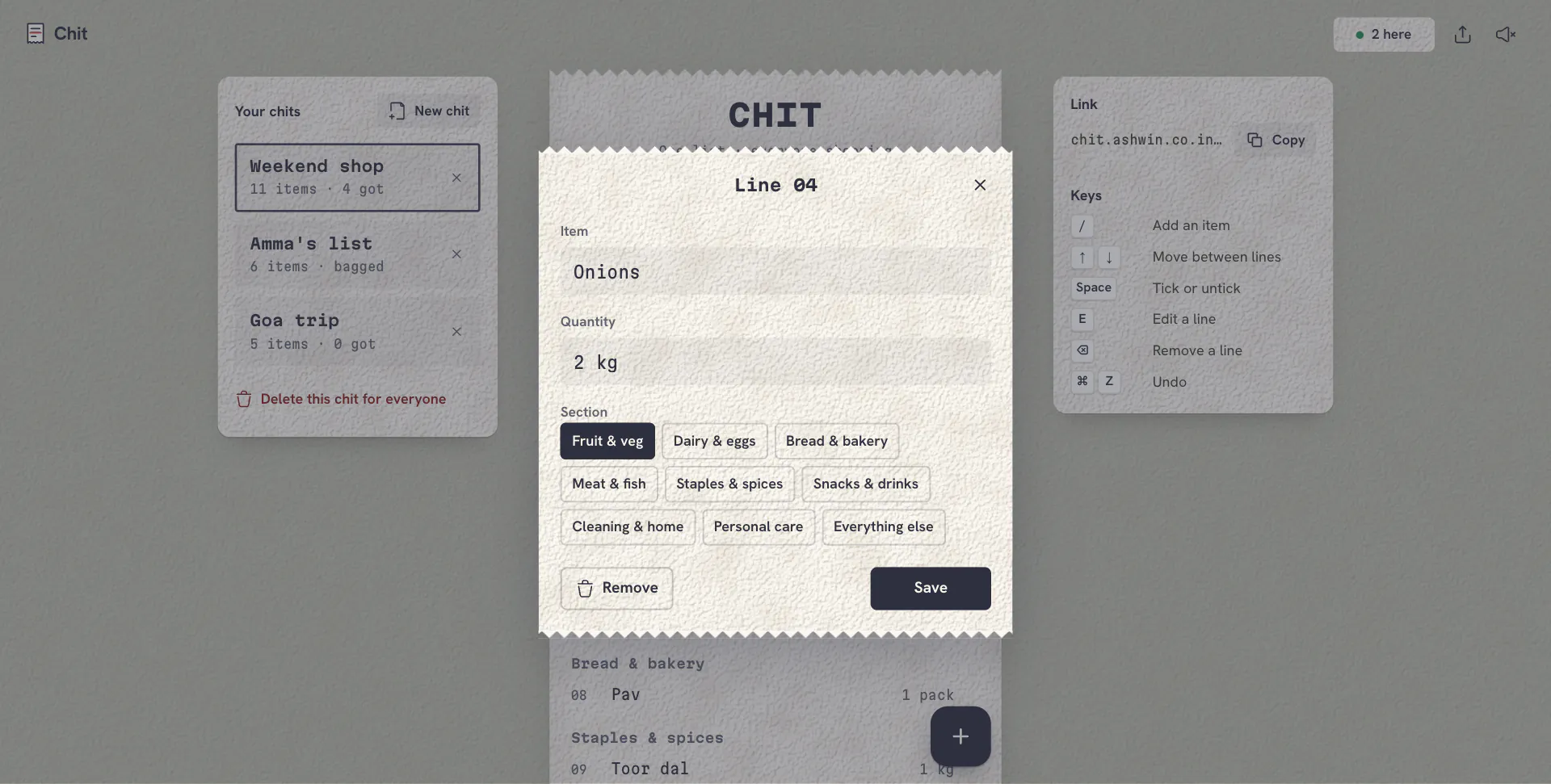
A Long List
New Chit
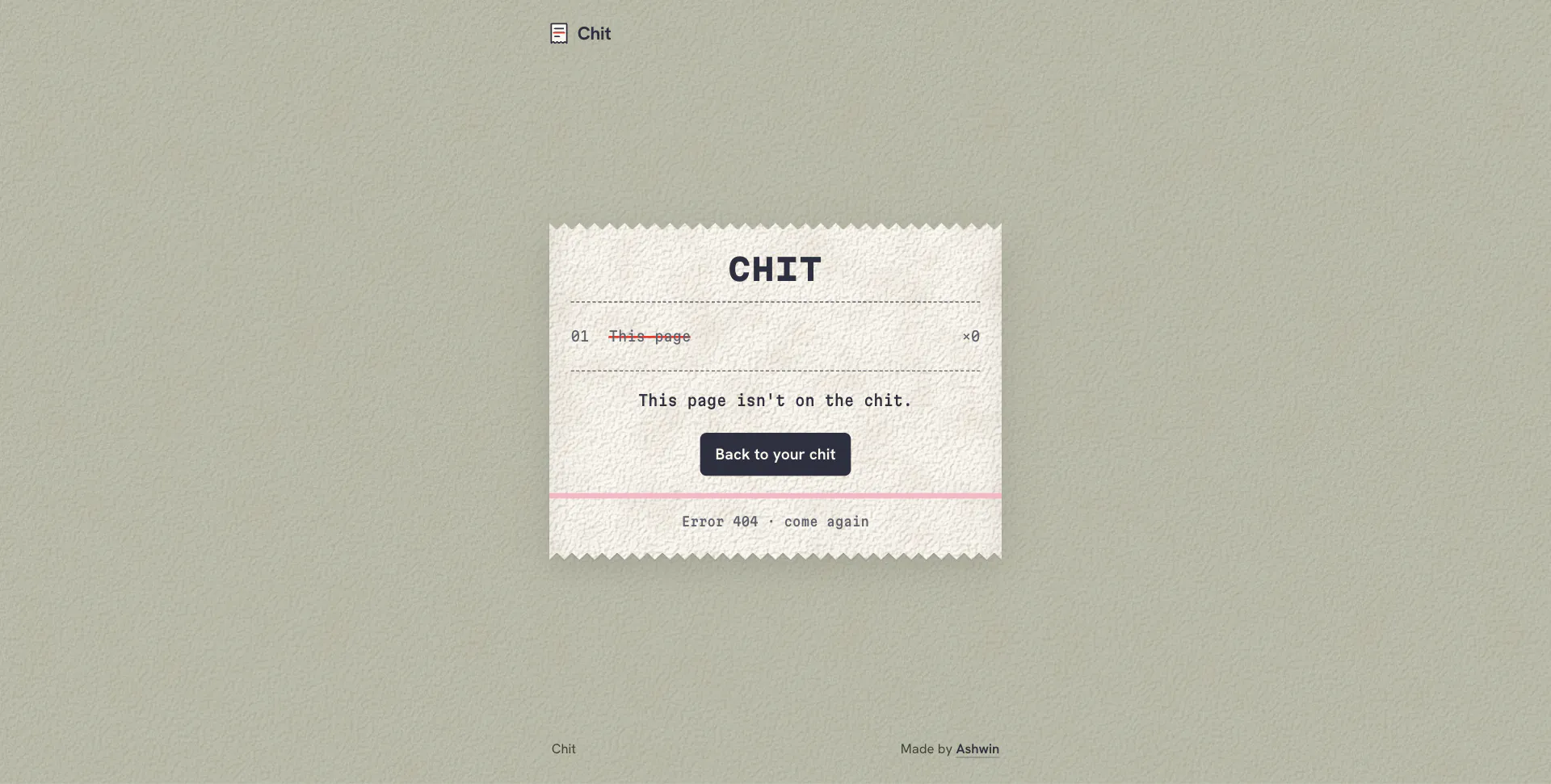
404