Overview
Travel Journal is a visually polished, responsive web app built with React and Vite. It acts as a personal digital travel log where users record destinations with descriptions, tags, photos, and precise geographic locations. Each entry supports Google Maps location linking, enabling fast navigation and contextual accuracy.
A smooth, card-based layout, theme toggle, built-in search, and tag-based filtering make the experience intuitive and fast across devices.
Live: https://travel-journal.ashwin.co.in
Source code: Explore Repo
Goals & Problems Solved
- Centralized Travel Logging: give users one place to document trips with text, images, and geo-context.
- Precision With Location Data: integrate Google Maps location URLs for accuracy and easy navigation.
- Better Browsing Experience: powerful search and tag filters make older entries instantly discoverable.
- Visual Storytelling: support for photos and structured descriptions improves readability and browsing.
- Consistency Across Devices: responsive UI and theme support enhance usability on mobile and desktop.
Architecture & Tech Stack
| Layer | Technology / Library | Purpose |
|---|---|---|
| Framework / Build | React, Vite | Component-based UI and fast development environment. |
| Routing / Structure | React Router (if used) or file-based component structure | View organization. |
| State Management | React state + hooks | Managing location data, filters, UI state. |
| Data Model | Local JSON / static data | Travel entries, metadata. |
| Maps / Geo Links | Google Maps Links | Offer precise navigation via coordinates. |
| Images | Local assets | Travel photos for each entry. |
| Search & Tags | Custom filtering logic | Fast and client-side filtering of logs. |
| Animations & UI | CSS animations / transitions | Smooth UX across interactions. |
| Theme Persistence | localStorage | Saves dark/light mode preferences. |
| Responsiveness | CSS3 + layout strategies | Works across mobile, tablet, desktop. |
Key Features & UX Flow
-
Home / Journal Overview
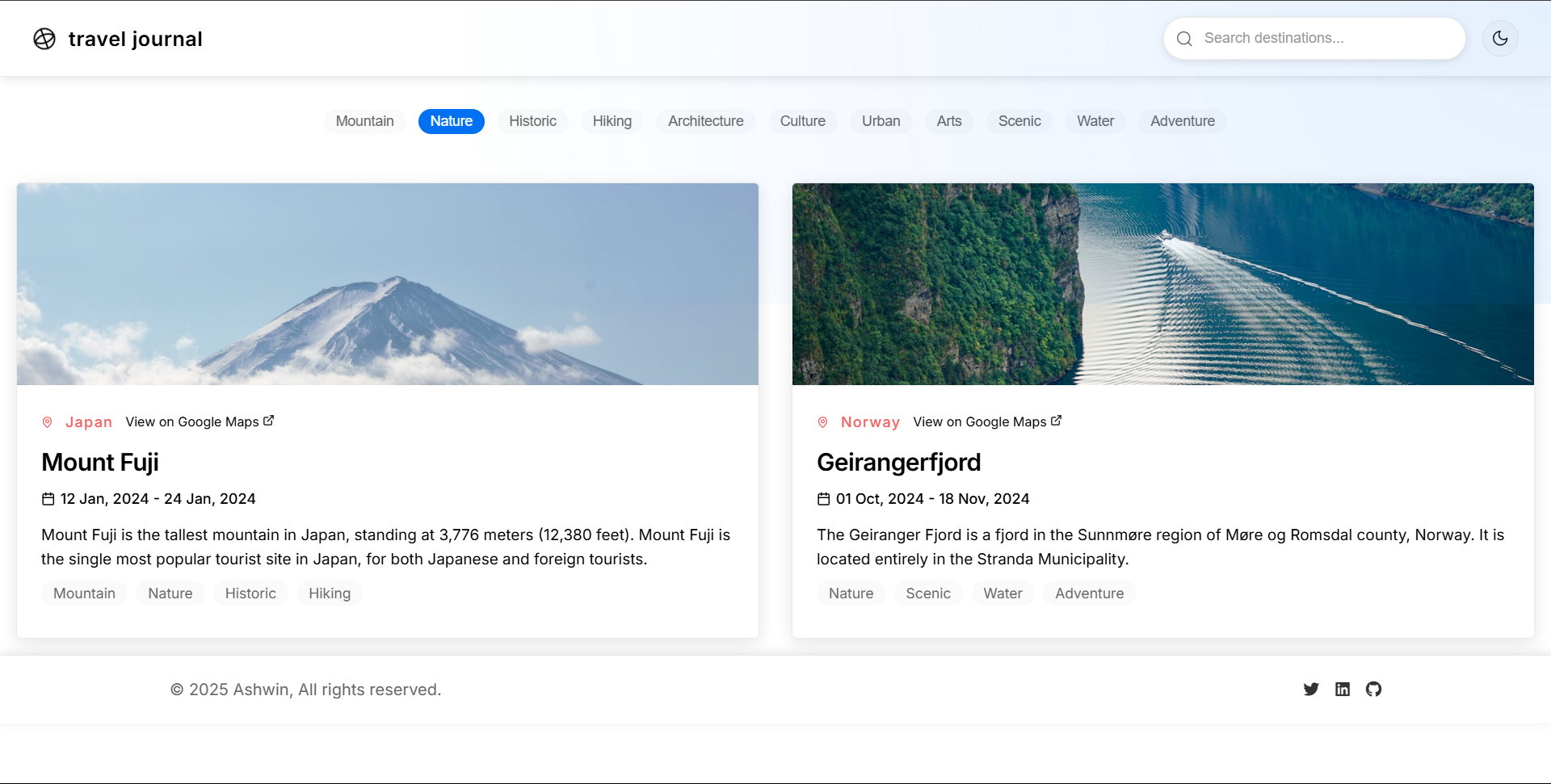
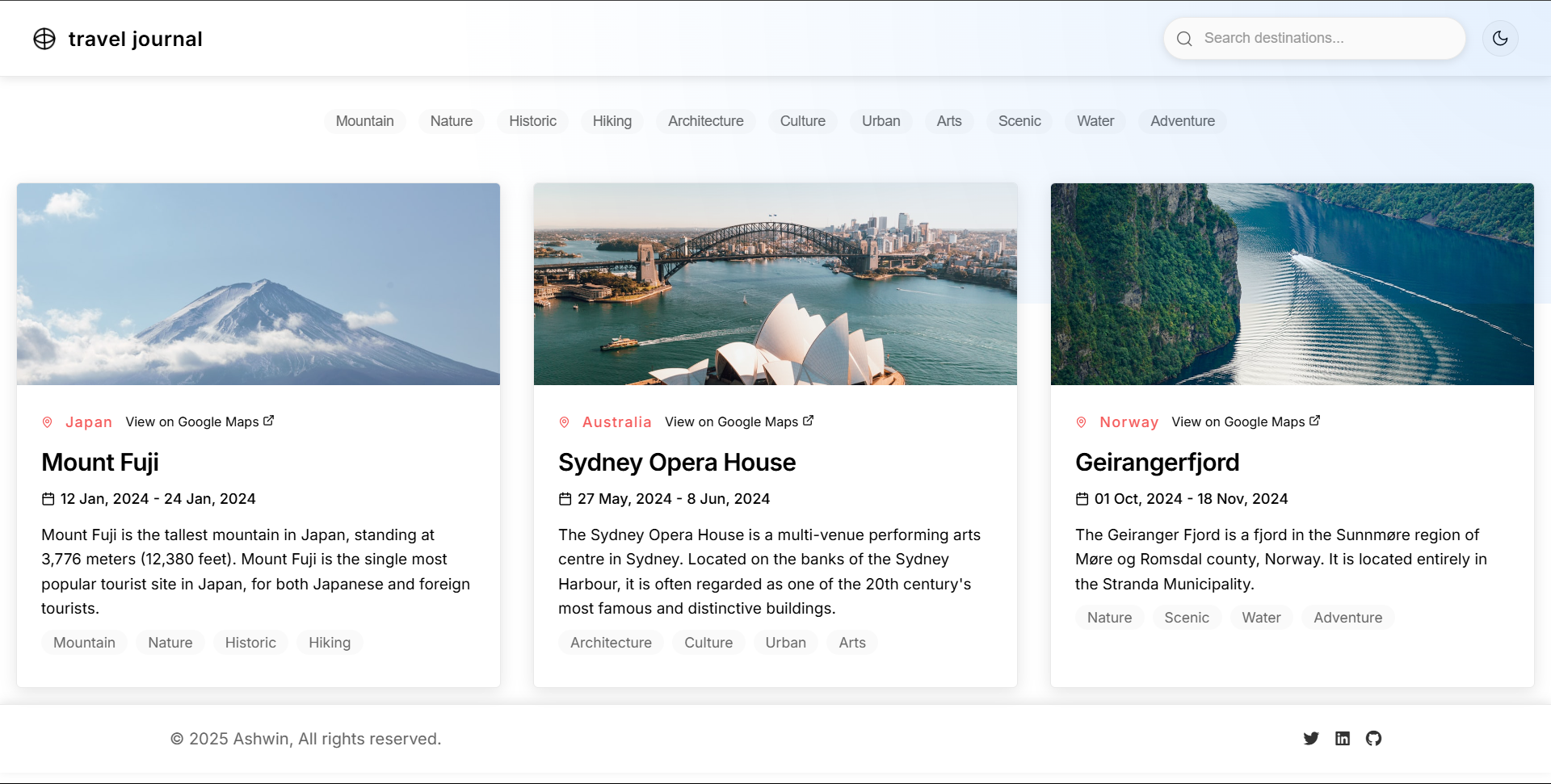
- Displays all travel entries as visually rich cards.
- Includes search bar and tag filters for fast content discovery.
-
Entry Details
- Each location includes title, description, photos, and tags.
- A clear “View in Google Maps” option links users to the real location.
-
Filtering & Search
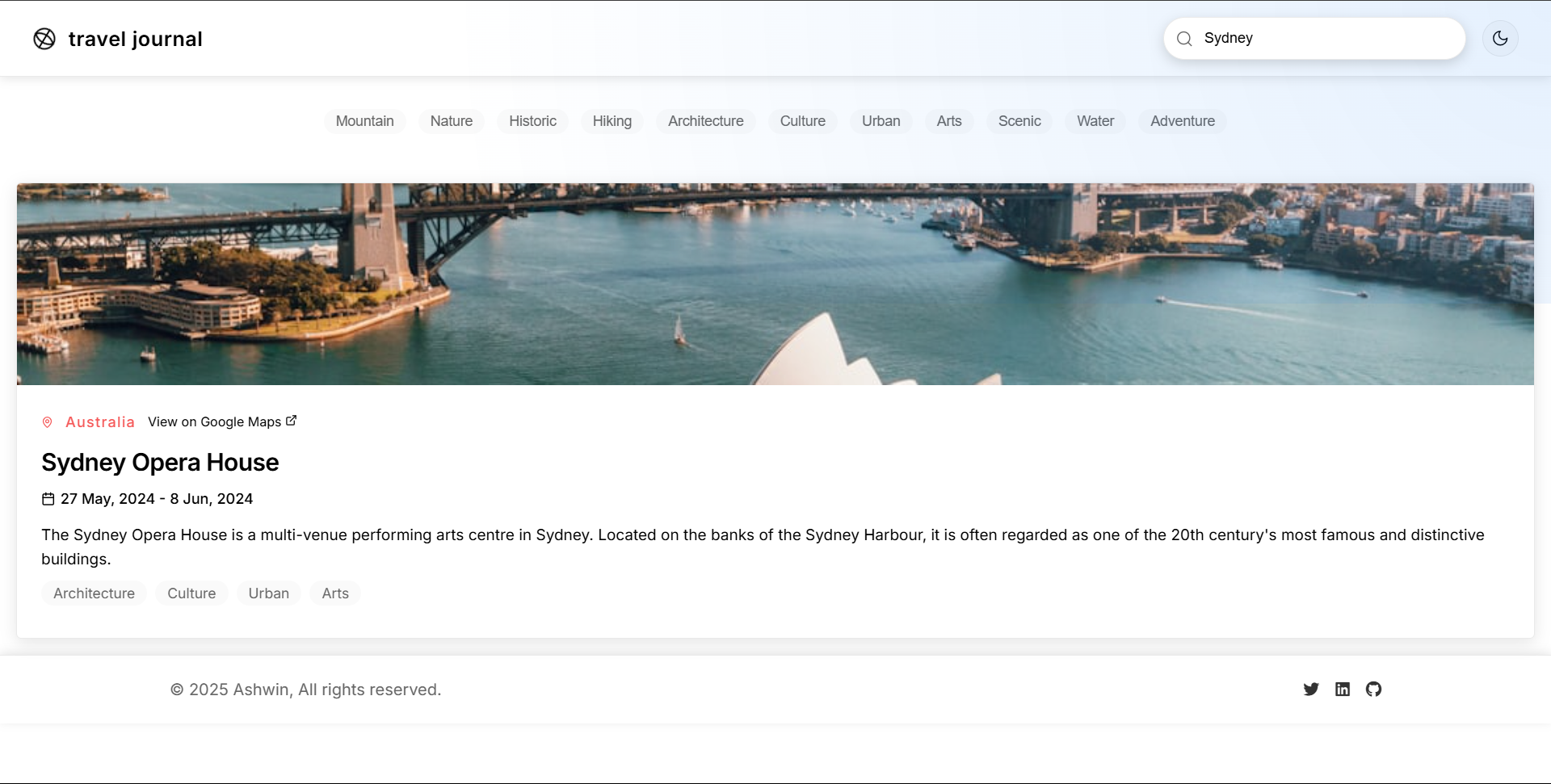
- Search input filters by destination name or related keywords.
- Tag panel lets users filter entries based on travel categories.
-
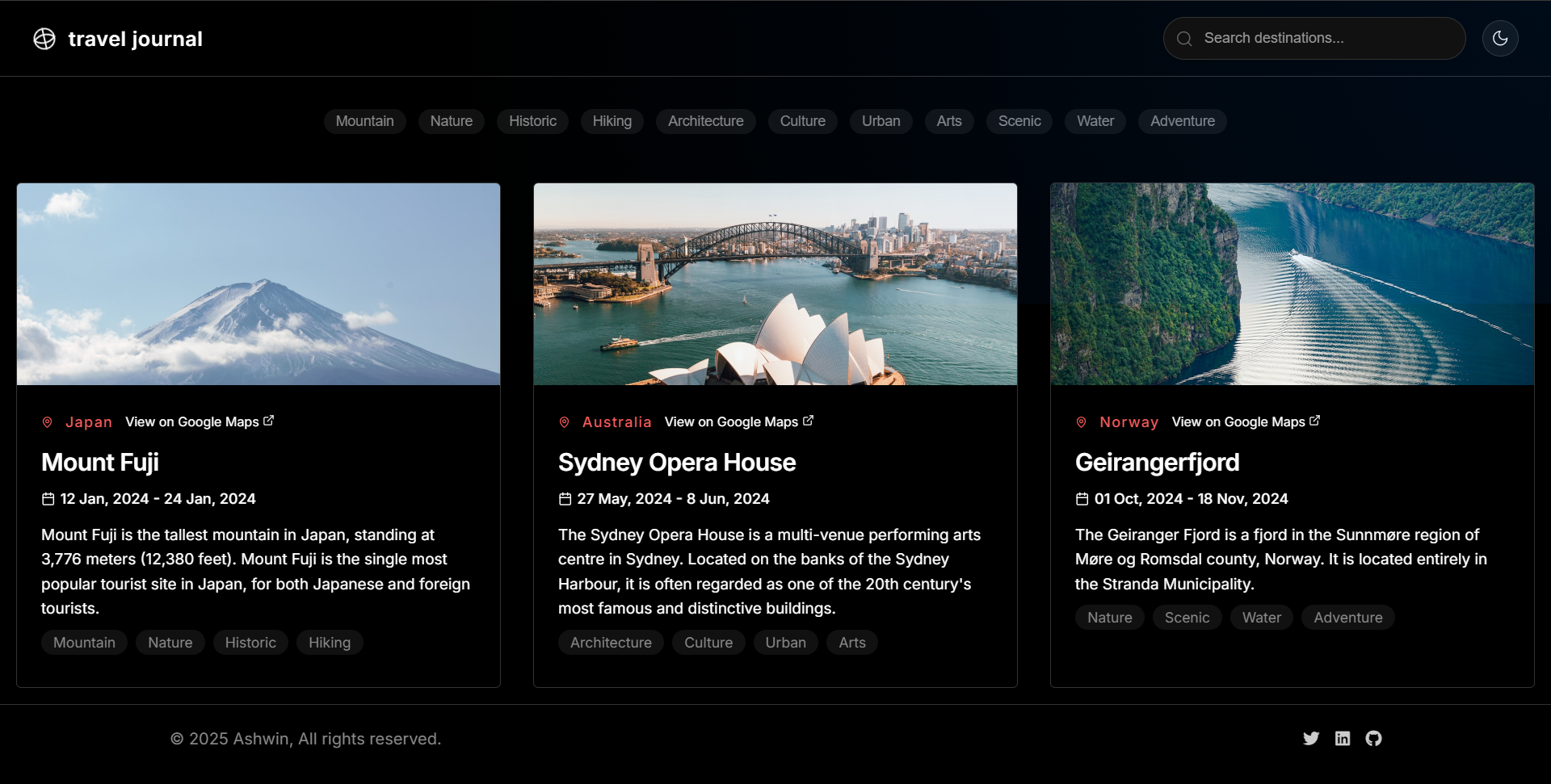
Themes (Light / Dark)
- UI theme toggles smoothly.
- Preferences persisted via localStorage on revisit.
-
Responsive Layout
- Cards, grids, and search bar scale cleanly on phones, tablets, and desktops.
Code Walkthrough & Notable Modules
src/App.jsx: core layout, theme management, search and tag state.src/data/locations.js: structured list of travel entries containing description, images, tags, and Google Maps links.- Components:
• LocationCard: compact preview of destination.
• SearchBar: keyword-based filtering.
• TagSelector: UI for selecting and toggling tags.
• Gallery / ImagePreview: display photos in consistent layout. - Utility Functions:
• Filtering methods for keyword + tag matching.
• Theme persistence utilities.
UI / Responsiveness & Design Decisions
- Clean travel-card design with strong visual emphasis on photography.
- Subtle animation when hovering over cards or images for modern polish.
- Layout adjusts gracefully across screen sizes using CSS grid and responsive breakpoints.
- Search and tag filters remain accessible and usable on both mobile and desktop.
- Dark/light theme designed to maintain readability and contrast in both modes.
Challenges & Learnings
- Balancing visual elements (images, text, tags) for clarity without clutter.
- Structuring data for each location in a flexible, scalable JSON format.
- Ensuring search + tag filtering remain performant on client-side.
- Getting responsive images right across multiple breakpoints.
- Designing intuitive UX when entries include many photos or long descriptions.
Future Improvements
- Full CRUD functionality: add/create/edit travel entries dynamically.
- Map Embed: integrate real map previews instead of just outbound Google Maps links.
- Offline-first Mode: cache entries and static files for offline travel use.
- Photo Optimization: add lazy loading / compression for faster load times.
- Categories / Collections: group journeys (Road Trips, Beaches, Mountains, etc.).
- Interactive Timeline: chronological browsing experience.
- User Accounts: sync travel logs across devices.
Screens & Visuals
Landing / Journal View
Light Mode
Search Results
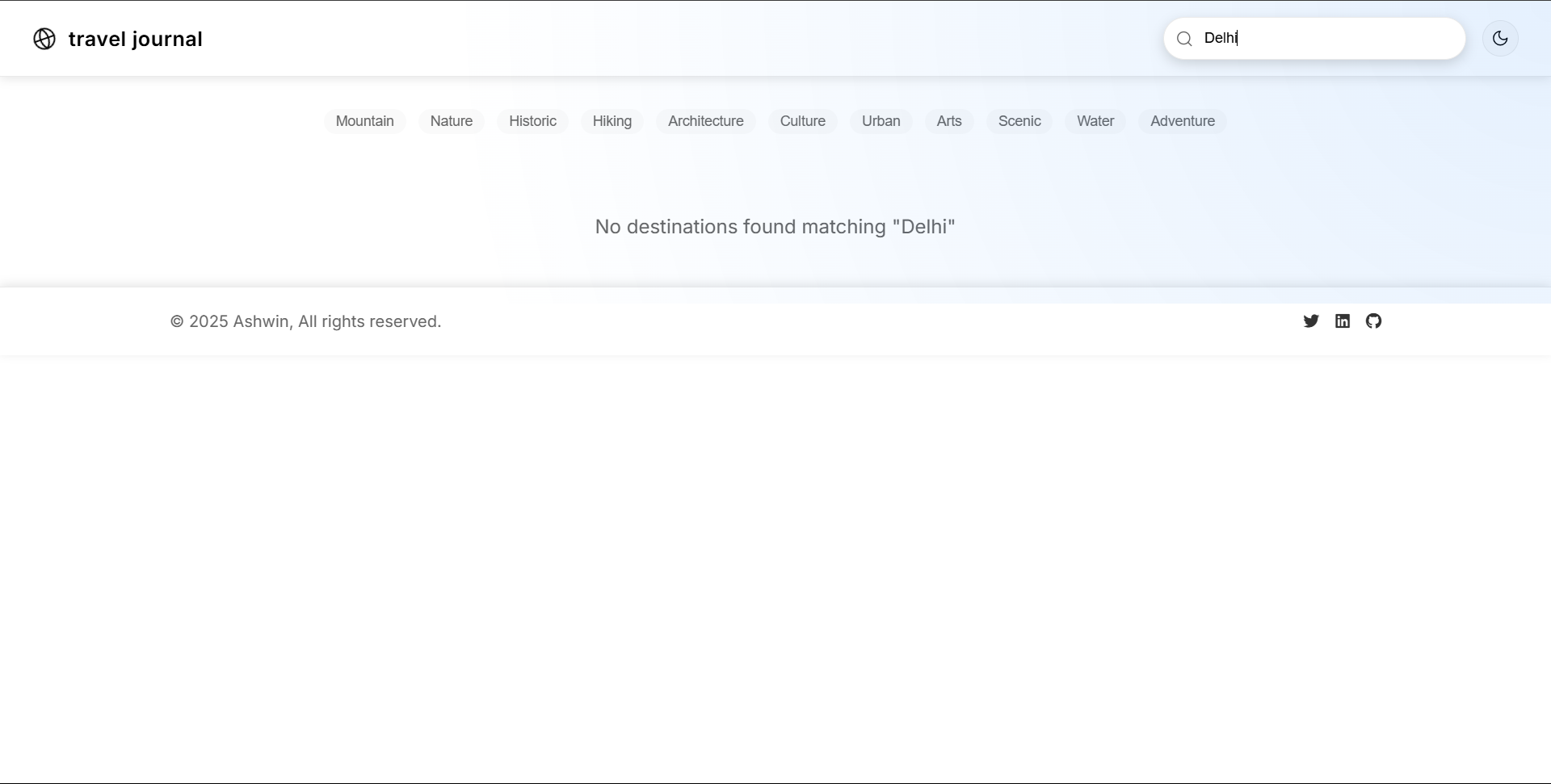
Tag Selection